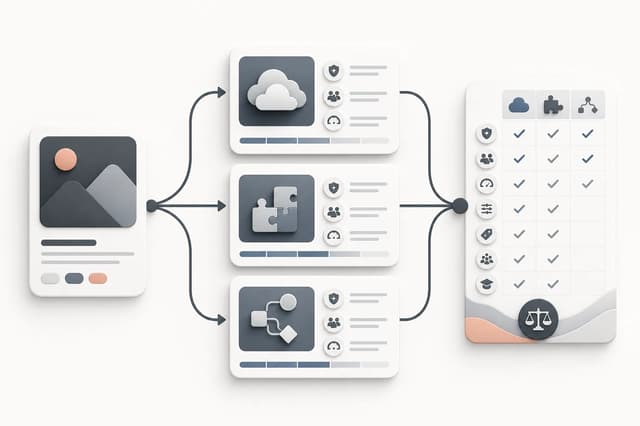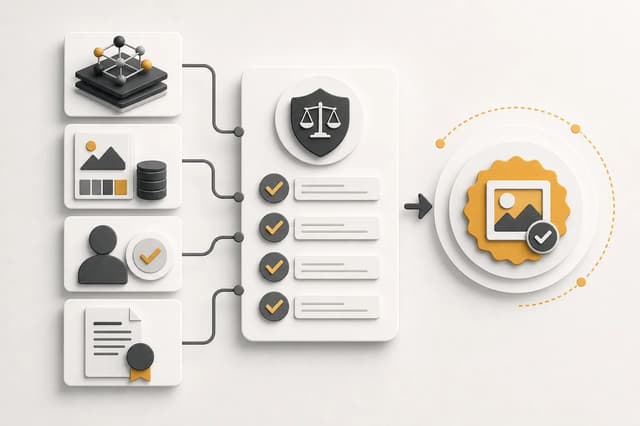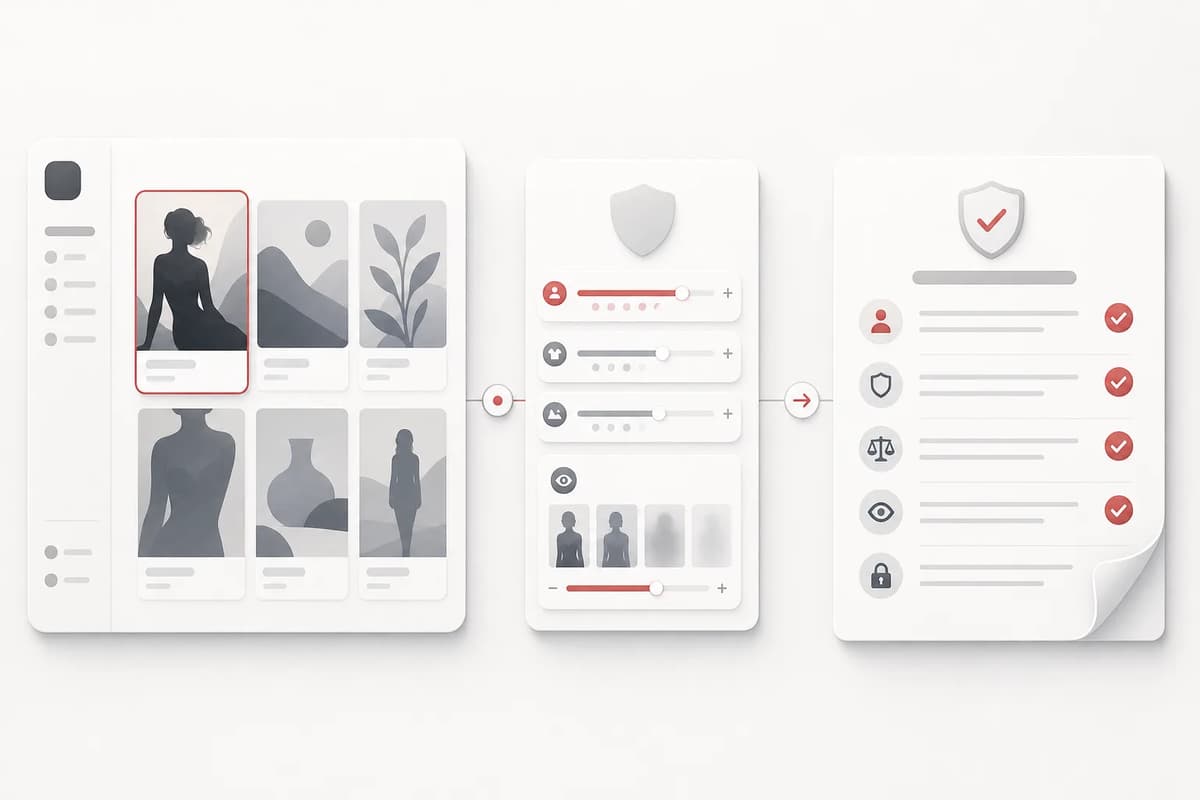
Civitai adult visibility and NSFW controls affect what you can discover and preview, but they do not replace a creator’s responsibility to check age, consent, model licenses, and publishing rules. A practical workflow begins by separating four questions: whether adult results are visible in your account, whether a model permits the intended use, whether your inputs are authorized, and whether the final image can be published where you plan to share it. Treat those questions as separate checks instead of assuming that an enabled filter grants permission.
How Civitai adult visibility and NSFW settings work
Adult-content settings mainly change discovery and display. They can affect which model pages, example images, tags, and search results appear. They do not automatically change the license attached to a model, the rights attached to an uploaded reference, or the rules of a destination platform. A model page that is visible to an adult user may still have restrictions on commercial use, derivatives, redistribution, or hosted generation.
Start with the account and content controls shown in the current Civitai interface. Product labels can change, so read the wording that is displayed rather than following an old screenshot. Confirm that you are legally permitted to view adult content where you live. If a page remains hidden, do not try to bypass an age or policy control; use a different model or workflow whose terms are clear.
| Check | What to verify | Why it matters |
|---|---|---|
| Account visibility | Adult-content display is enabled for an eligible adult account | Determines what examples and models you can browse |
| Model-page labels | Tags, base model, creator notes, and intended use | Helps you understand what the model was built to produce |
| License | Commercial use, redistribution, derivatives, hosted generation | Visibility is not a license grant |
| Reference rights | Consent and permission for every uploaded person or character | A model license does not cover your input image |
| Publishing destination | Age gate, disclosure, and prohibited-content rules | A valid generation may still be unsuitable for a platform |
Read the model page before downloading
Model pages contain several kinds of information that are easy to conflate. The base-model name tells you the technical family. Version notes describe changes in training or recommended settings. Example images show a creator’s results, not a guaranteed output. Tags improve discovery but are not a complete safety statement. The license or usage section is the part that should guide reuse.
Record the exact model version and the date you checked its terms. If you plan commercial work, save a copy of the relevant license text or permission record. Do not assume that two versions from the same creator share identical conditions. A merged checkpoint, LoRA, embedding, and workflow file can each carry different obligations. Our adult AI LoRA consistency guide explains how these assets play different roles in a character workflow.
Build a safer discovery workflow
Use discovery as a shortlist, not as production approval. First, define the output you need: character portrait, single comic scene, makeover, or short motion reference. Search for a model whose examples match that output. Review several versions instead of selecting the first popular result. Then test with a fictional, clearly adult subject before bringing in any authorized personal reference.
For character work, note recurring identity traits such as face shape, hair silhouette, wardrobe palette, and rendering style. For comic work, note composition, camera distance, line treatment, and whether the model tends to introduce panels or text. These observations are more useful than copying a long prompt from an example because they become constraints you can carry into another workflow.
- Define one output and one visual direction.
- Shortlist models that explicitly show that direction.
- Check each version’s license and creator notes.
- Test with a fictional, unambiguous adult subject.
- Save the model version, settings, and permission record.
- Review the output before using any real-person reference.
Keep settings separate from safety decisions
An enabled NSFW setting means the interface may show adult material. It does not establish consent. It does not prove that a depicted subject is an adult. It does not authorize impersonation, coercive content, or use of a private image. If a reference includes a real person, obtain explicit permission for the specific adult transformation or animation you intend to make. If age is ambiguous, stop and choose a different subject.
Platform moderation and generation-provider review can also differ. Civitai may allow discovery of a model that another generation service declines to run. That is normal: each service applies its own policy. Do not weaken a prompt to disguise its intent. Describe adults and the intended scene directly, then accept a refusal as a boundary rather than repeatedly trying to evade it. See the adult AI age and consent rules for a pre-generation checklist.
Move from discovery to a focused tool
Once you understand the model direction, use a workflow that exposes the controls you actually need. A character portrait benefits from explicit presentation, archetype, and visual-style choices. A comic scene benefits from one defined setting and a single finished composition. Extra model menus can create more trial and error without improving the brief.
Flowith’s Adult Character Creator supports original characters or an optional authorized reference. Its fixed trait groups make it easier to compare results without changing every variable at once. The Adult Comic Generator uses one character reference and one scene direction, which is useful when your goal is a finished illustration rather than model experimentation.
A publishing checklist
Before publishing, review the final artifact independently from the model page. Confirm that every subject is clearly adult. Check hands, anatomy, text, logos, watermarks, and unintended background details. Remove metadata that you do not intend to share. Confirm that the destination permits adult content and apply its required label or age restriction. Keep evidence of licenses and consent away from public captions but available for your own records.
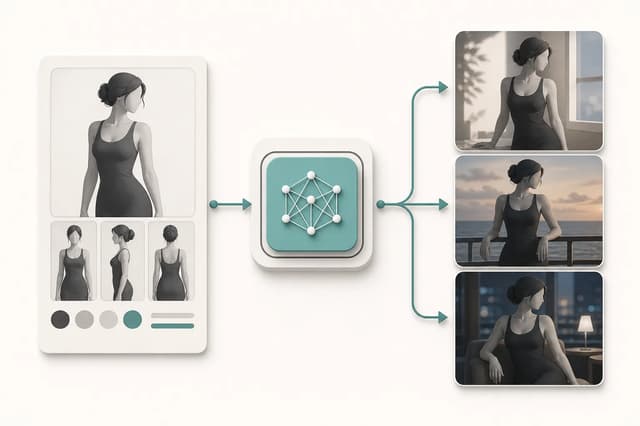
If the result is part of a continuing character project, store a clean reference image and a concise identity sheet. Do not use the most explicit result as the only reference; a neutral portrait usually preserves the face and hair more reliably. The character consistency guide for NSFW art provides a reusable identity checklist.
Final takeaway
Civitai’s NSFW settings are a discovery control, not a universal permission switch. Use them to find relevant models, then separately verify the version, license, input rights, adult status, destination rules, and final artifact. That separation makes an adult AI workflow easier to audit and easier to move between tools without relying on a single platform’s interface.