
Adult AI
Start creating
Menu

18+ portrait transformation

Adult Makeover

Quick answer

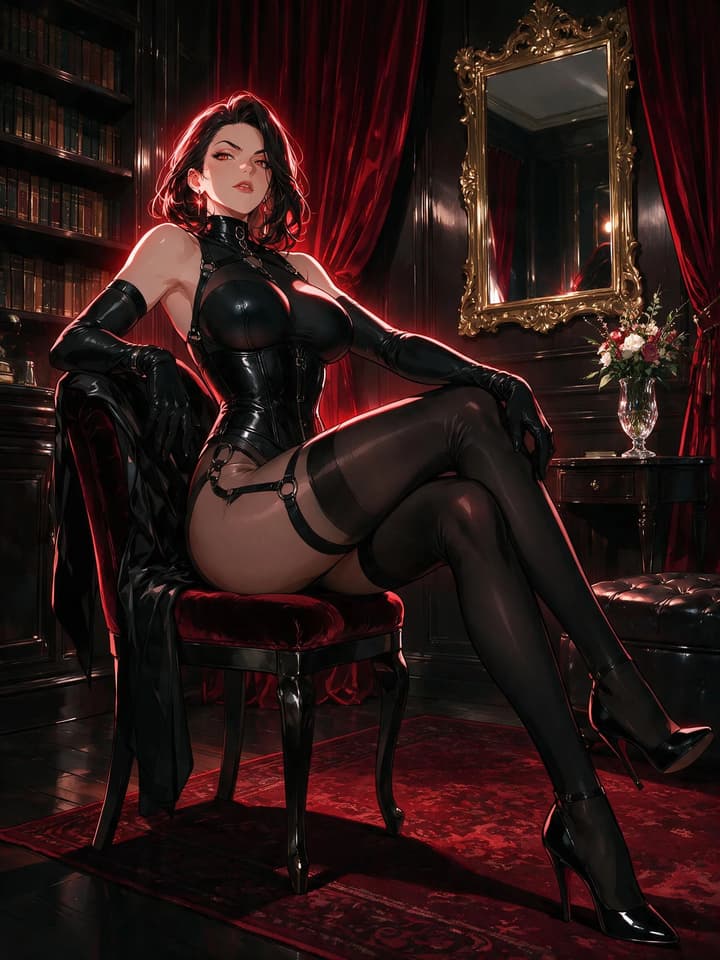
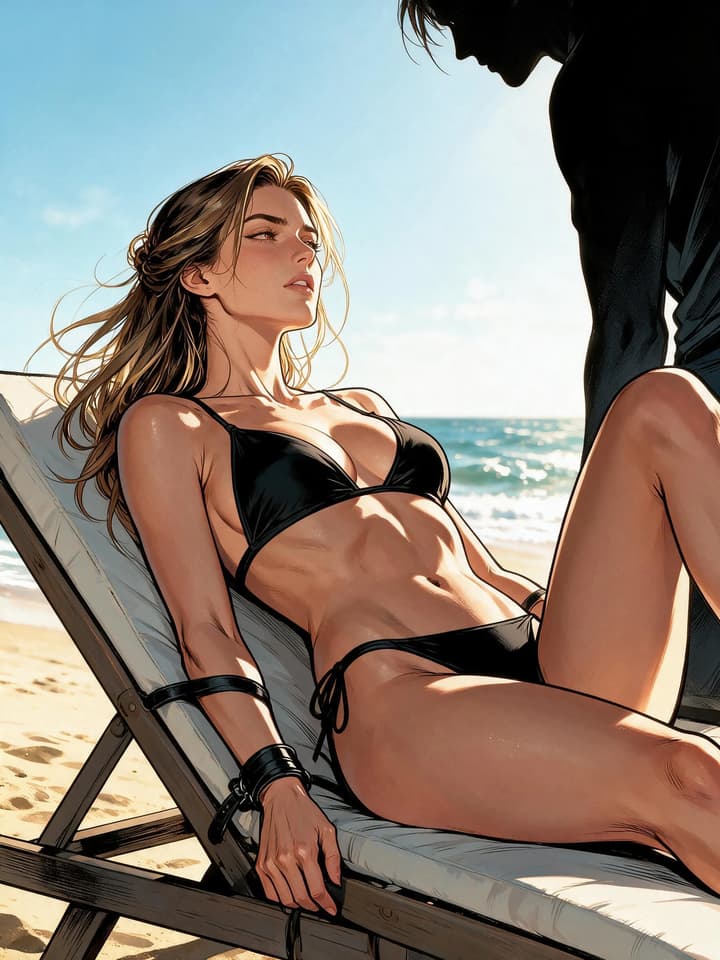
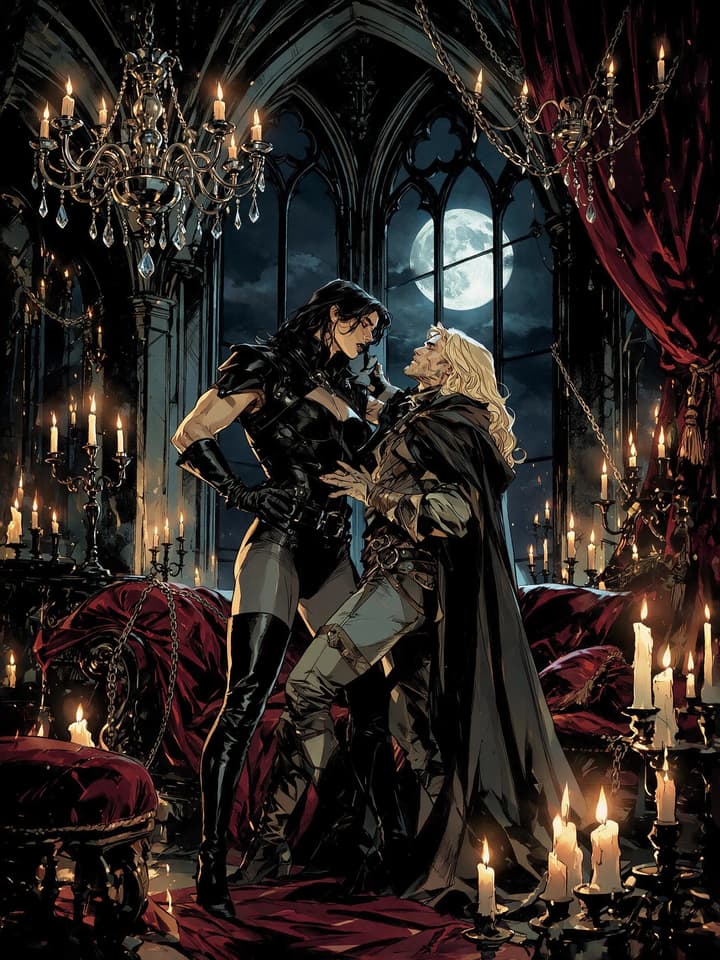
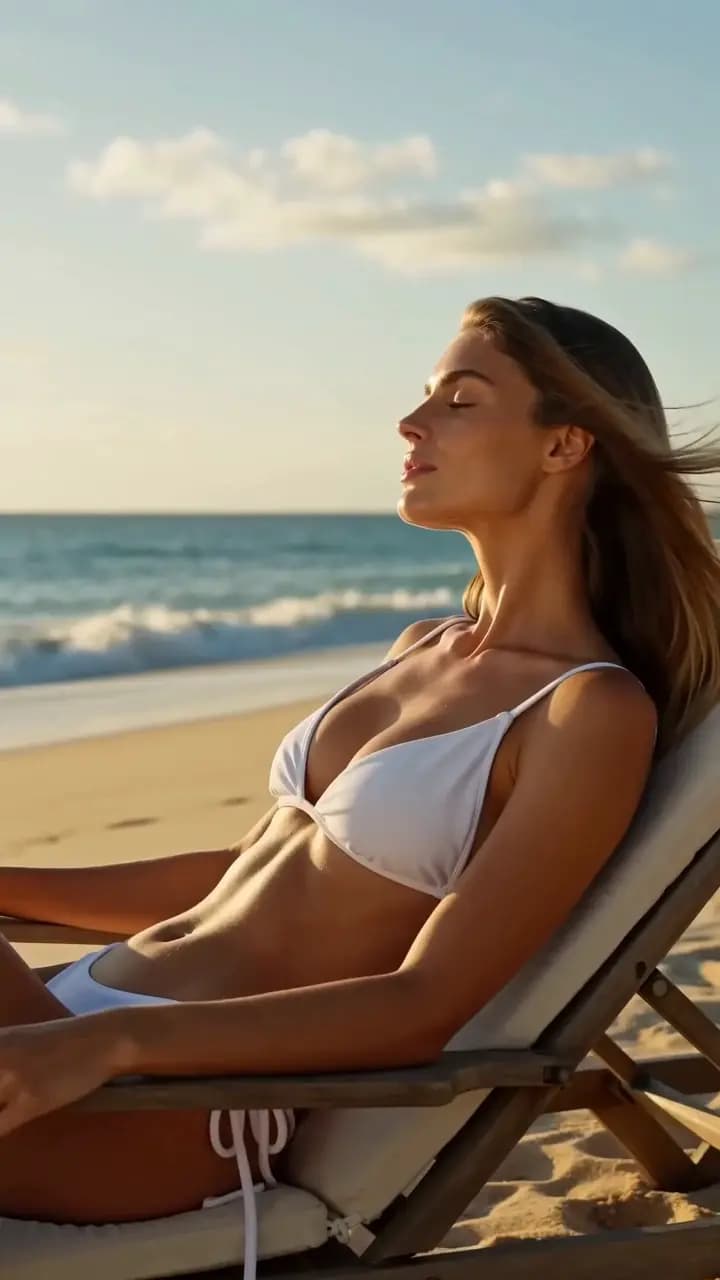
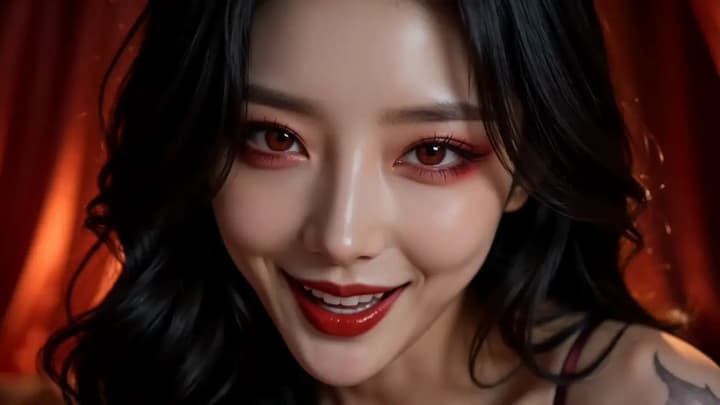
Upload one adult portrait and apply a lingerie, leather, fantasy, hotel, poolside, or dark-club makeover while preserving the character.

Create an adult makeover

Six starting looks

Choose one makeover per round

Why it works

Built for one clear creative result

Preserve recognizable identity

Keep the adult subject's face, hair, body proportions, and defining visual cues consistent.

Choose one of six transformations

Apply a lingerie, leather, fantasy, hotel, poolside, or dark-club direction per round.

Continue through multiple rounds

Use the current result as the next source, return to the previous version, or restore the original.

Repeatable workflow

Original, previous, and current

  1. 01

    Upload one adult portrait

    Use a clear image with one recognizable adult subject.

  2. 02

    Choose one makeover

    Apply one fixed look or scene per generation.

  3. 03

    Continue from the result

    Use the current result as the next input or restore the previous image.

Adult Makeover Questions

Yes. Each round is a separate generation, and the current result can become the next input.
The workflow instructs the model to preserve the recognizable face, hair, body proportions, and identity cues.
Completed results remain available through Flowith Media History.
Yes. The Mini App keeps the original, previous, and current image available during the active editing session.
No. Choose one makeover preset to generate. An optional prompt can add supporting details without replacing the selected look.

Start with one adult portrait

Confirm you are 18 or older, then continue securely in Flowith.

Open Adult Makeover

Adults only

Confirm you are 18 or older

Adult Makeover contains adult-oriented previews.

Continue only if you are legally permitted to view adult content. Content involving minors, age ambiguity, coercion, or real-person sexual impersonation is prohibited.