




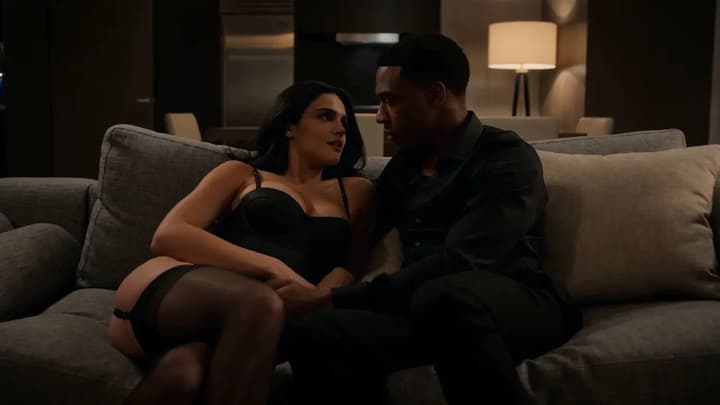
Trim to the useful action
Keep the strongest section and remove unstable openings, endings, or unnecessary pauses.
18+ video editing
Quick answer
Plan an adult AI video edit, review trim and continuity, check optional audio, and continue securely in the Flowith adult workspace.
Open Flowith Adult ToolsReview surfaces
Why it works
Keep the strongest section and remove unstable openings, endings, or unnecessary pauses.
Compare identity, clothing, setting, lighting, camera direction, and motion around every edit point.
Treat generated or source audio as its own review surface instead of assuming it follows the visual edit.
Editing workflow
Start with a short source whose people, ending frame, camera, and audio are easy to inspect.
Decide whether the clip needs a trim, continuity repair, pacing change, audio review, or another segment.
Check every frame, transition, audio section, and consent boundary before downloading or continuing.
Confirm you are 18 or older, then continue in the Flowith adult workspace.
Open Flowith Adult Tools