

Preserve visual continuity
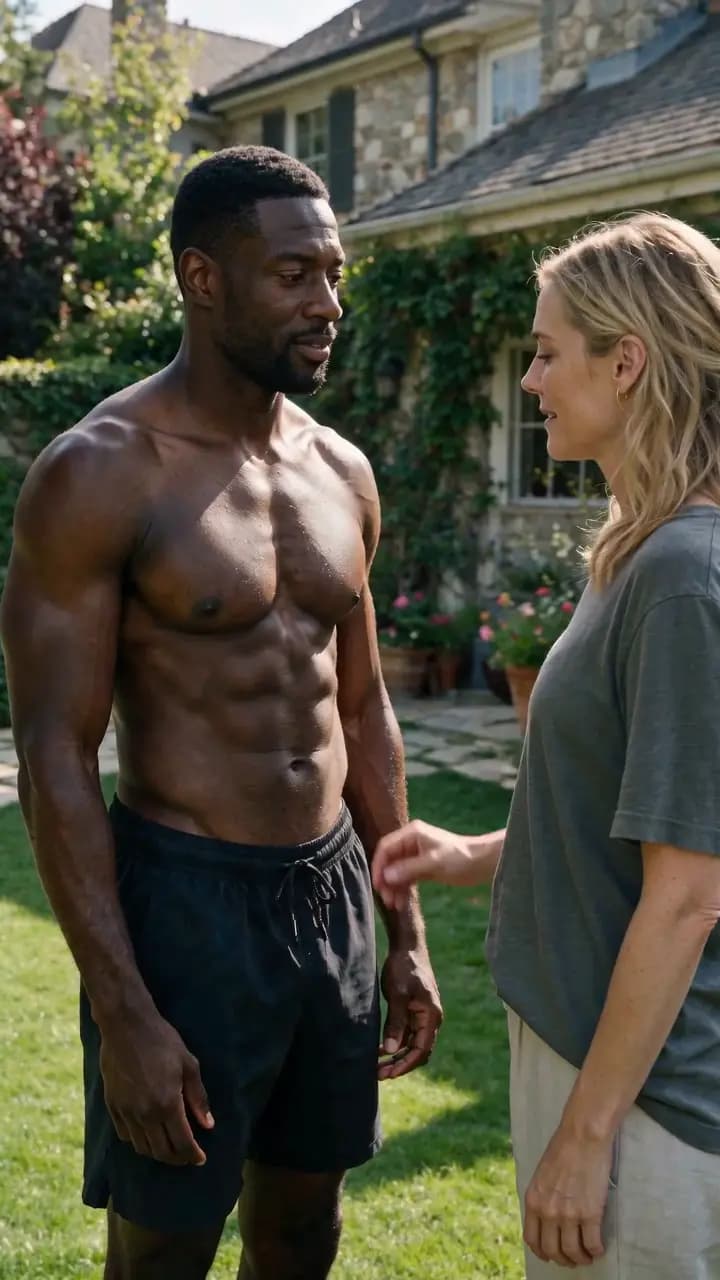
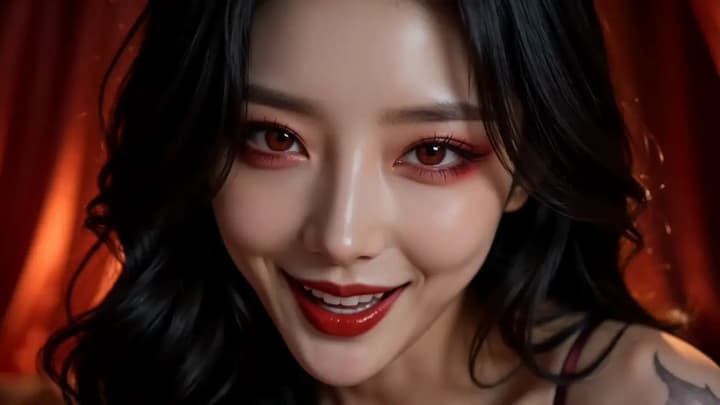
Carry the final moment forward while keeping the adult characters, setting, camera, and lighting coherent.
 Adult AI
 18+ video continuation
Quick answer
Upload an MP4 or MOV up to 15 seconds, choose a ready-made story direction, and optionally add your own details.
Continue an adult videoVisual continuity
Why it works
Carry the final moment forward while keeping the adult characters, setting, camera, and lighting coherent.
Choose one of four story directions so the workflow works without a required custom prompt.
Generate a 4–30 second continuation with optional generated audio, without automatically joining it to the source video or cloning the original soundtrack.
Short controlled input
Use an MP4 or MOV no longer than 15 seconds or 100 MB.
Use Closer Contact, Power Shift, Private Reveal, or Fantasy Escalation without writing a prompt.
Start with four seconds, then extend in one-second increments only when the source and next beat are stable.
Confirm you are 18 or older, then continue securely in Flowith.
Open Video Continuation