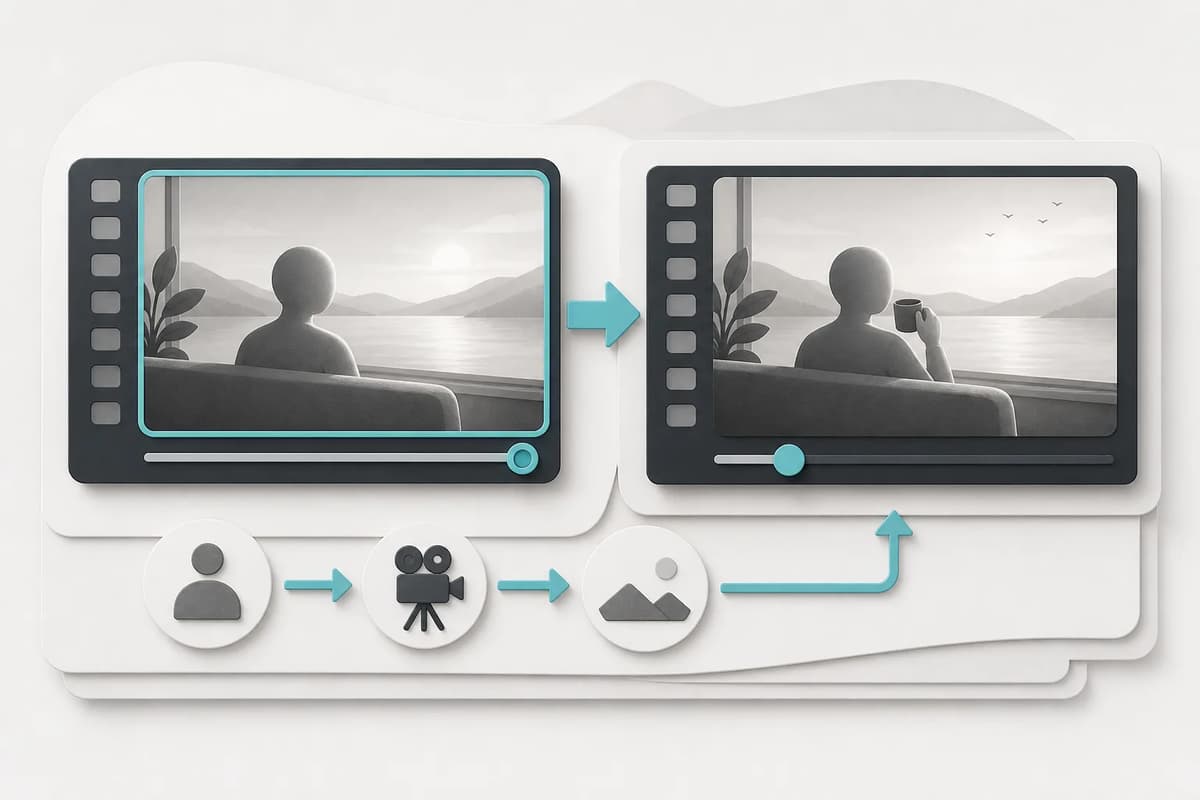
To continue an adult AI video, use a short source clip with a clear final frame and describe only the next visible beat. Preserve the same clearly adult people, clothing, room, lighting, camera direction, and motion pace. Keep the extension to one action over 4–30 seconds. The result is a separate clip; optional generated audio does not automatically continue the source track or create a multi-shot timeline.
Choose a usable source clip
The final second matters more than the opening. Avoid sources that end on heavy blur, a cut, an obstructed face, a malformed hand, or an extreme camera move. Keep the clip within the accepted format, file-size, and duration limits. For Flowith’s continuation workflow, the source must be MP4 or MOV, no more than 100 MB and no more than 15 seconds.
| Source check | Accept | Reject or repair first |
|---|---|---|
| Final frame | Readable faces, limbs, and background | Blur, occlusion, anatomy failure |
| Characters | Same clearly adult people throughout | Age ambiguity or identity replacement |
| Camera | One understandable direction | Hard cut at the end |
| Environment | Stable room or outdoor anchors | Severe warping or disappearing objects |
| Motion | A beat that can naturally continue | Action already ended off-screen |
| Rights | Authorized source and adult consent | Leaked, private, or unlicensed video |
Pick one next story direction
The continuation prompt can be optional if the product supplies useful defaults. Directions such as closer contact, power shift, private reveal, or fantasy escalation should each map to a concrete next beat. Select one, then use the optional prompt for a supporting detail.
Do not summarize a whole story. “The same adults move closer while the camera holds a medium profile and warm bedside light remains stable” is visible. “Their relationship develops through many events” is not. The model needs a motion and a visual end state.
Flowith’s Adult Video Continuation provides default story directions so a creator can generate without typing. The optional prompt is appended to the internal continuity brief.
Preserve character and camera continuity
Name the same adult participants and preserve face, hair, body build, wardrobe, and position. Keep camera height, distance, direction, and lens feel compatible with the source. A sudden orbit or cut can make the result feel like a new scene even when the people are correct.
Use environmental anchors: bed edge, window, wall light, pool rail, corridor line. Ask the extension to preserve their position. Avoid adding mirrors, crowds, or new furniture. If a camera change is necessary, describe one gradual move and enough duration to complete it.
The adult video character consistency guide provides a frame-by-frame identity review.
Match direction to duration
Four seconds is best for a small next beat and first continuity test. Six seconds can develop one moderate action. Eight seconds can include a gradual camera move. Ten seconds should be reserved for a stable source and a clearly sequenced single action.
Longer does not repair a weak source. It gives the model more time to drift. If four seconds changes the face or background, fix the source or simplify the direction before increasing duration. See the cost and duration guide for a practical selection table.
Write an optional continuity prompt
Use this order:
- Same clearly adult characters and identity traits.
- Continue directly from the final frame.
- One next visible action.
- Preserve or gradually change camera.
- Preserve setting and light.
- End in a stable readable frame.
- No added people, text, watermark, or cut.
Do not include a URL, personal information, or instructions that contradict the selected story direction. Do not use euphemisms to evade provider rules. Explicit content remains subject to paid eligibility and safety review.
Understand the output boundary
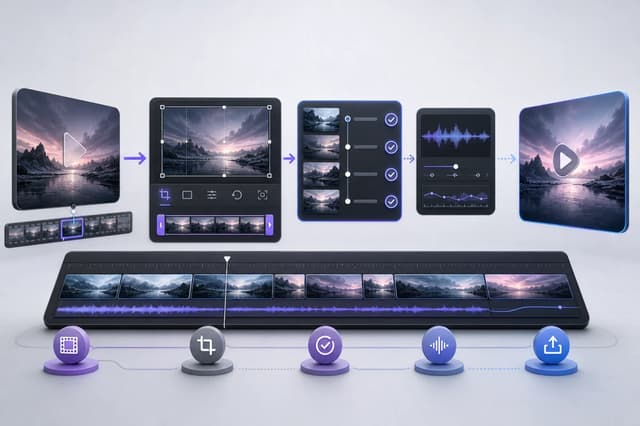
The output is an independent extension clip. It may be shown next to the source for review, but it is not automatically concatenated. Audio is not continued. There is no timeline, crossfade, or branching story tree. This boundary is useful: each run has a clear input, quote, artifact, and failure state.
If you need a final joined video, export both approved clips and edit them in an appropriate video editor. Check the seam, color, frame rate, and audio separately. Do not assume two generated clips will align perfectly without review.
Review the seam and final frame
Compare the source’s last frame with the extension’s first frames. Look for identity jump, clothing change, background shift, camera reversal, or lighting discontinuity. Then inspect the middle and end for anatomy and action. A good extension should feel like the next beat, not merely a similar clip.
Review checklist:
- Same adult participants and consent context.
- Face, hair, wardrobe, and build remain compatible.
- First frames follow the source’s final pose.
- Camera and background anchors remain coherent.
- One selected story direction is readable.
- End frame is stable enough for another continuation if needed.
- No unexpected audio, text, watermark, or new person.
Final takeaway
Continuation quality depends on a clean final frame and a small next instruction. Preserve identity, camera, setting, and pace; choose one default direction; begin with four seconds; and treat the output as a separate clip. Repair continuity before extending length or adding more story events.
After approval, keep both clips and note the intended join point. If another extension is planned, use the newest stable clip rather than a stitched export so the model receives the cleanest available source. Stop the chain when identity or background stability declines; a shorter coherent sequence is more useful than a long series of increasingly unrelated shots.
When handing clips to an editor, include the intended order, join frame, and any known continuity issue. This prevents a later edit from hiding a serious identity change behind a fast transition.