The NSFW AI Video Editor uses an existing adult clip as a reference and generates a new version from one written instruction. It does not provide deterministic trimming, a multi-track timeline, or preservation of the source soundtrack. Begin with one authorized video, describe a specific visual change, and review the new result. Image-to-video, continuation, and external timeline finishing remain separate tasks.
Generate a new version from your source
Choose an MP4 or MOV source up to 15 seconds long. Keep the source available for comparison. Enter one editing instruction, choose the available resolution, and decide whether to enable audio. An instruction is required and accepts up to 500 characters. Audio defaults to off. Review the displayed quote before starting the run; this guide does not fix a price because the quote depends on the current input and options.
For example, a fully clothed adult portrait clip could use: “Change the room lighting to warm evening light. Keep the person, clothing, action, and framing recognizable.” This is an illustrative instruction, not a tested output claim. Review the generated clip from beginning to end: did the light change, did identity remain recognizable, and did unwanted movement or scenery appear? A request to preserve something is not a guarantee that every original frame will survive unchanged.
When audio is enabled, the output generates a new matching soundtrack. Do not describe it as keeping, editing, or recovering the original speech. If retaining an exact original recording is necessary, handle that separately in an appropriate timeline editor after the visual result is approved. Keep the generation result and any later assembled export distinguishable.
Choose editing, image-to-video, or continuation
The source determines the correct starting point. If you have only a still image, use the NSFW Image to Video Generator to create the first motion clip. If you already have a video and need to inspect or change material inside it, use the editor workflow. If the existing clip is approved and needs one new story beat after its final frame, use Adult Video Continuation.
| Starting point | Actual need | Best workflow | Expected result |
|---|---|---|---|
| One adult image | Add controlled motion | Image-to-video | One new short clip |
| Existing adult clip | Change its visual direction | NSFW AI Video Editor | One newly generated version |
| Existing adult clip | Exact cuts or original-track preservation | External timeline editor | A separately assembled export |
| Stable ending frame | Add the next beat | Video continuation | A separate next clip |
| Several approved clips | Assemble a final sequence | Dedicated timeline editor | One planned export |
The Flowith editor creates new pixels across time, guided by an existing video. An external timeline editor instead assembles or cuts media. Continuation creates another clip rather than silently extending the original file. Choose the appropriate workflow before submitting a generation request.
The adult image-to-video guide explains how to prepare a still source. The adult video continuation guide explains how to choose a stable ending and one next action.
Inspect the source before editing
Review the source from beginning to end before deciding what to change. Confirm that every depicted person is clearly an adult and that you have permission for the intended edit, audience, and publication context. Stop if the source is private, leaked, age-ambiguous, non-consensual, or outside the rights granted by its owner.
Then inspect the technical and visual condition of the clip:
- Watch the opening and final second without skipping.
- Pause on the first, middle, and final frames to compare identity.
- Note cuts, heavy blur, malformed anatomy, sudden wardrobe changes, and background jumps.
- Listen for names, private conversation, unintended speech, or identifying ambient sound.
- Record the one problem the edit is meant to solve.
A short written generative edit decision is enough: “Change the room lighting while keeping the people and action recognizable.” Removing an exact first second or shortening a pause to a precise length belongs in an external timeline editor. Avoid asking one generation to replace the room, repair the person, change the action, create dialogue, and extend the story. When several things are wrong, return to the strongest earlier artifact and solve them in separate rounds.
Keep the original unchanged. Work from a copy or a versioned artifact so a failed edit does not destroy the only authorized source. The NSFW upload privacy guide covers file names, unnecessary metadata, history, sharing, and deletion planning.
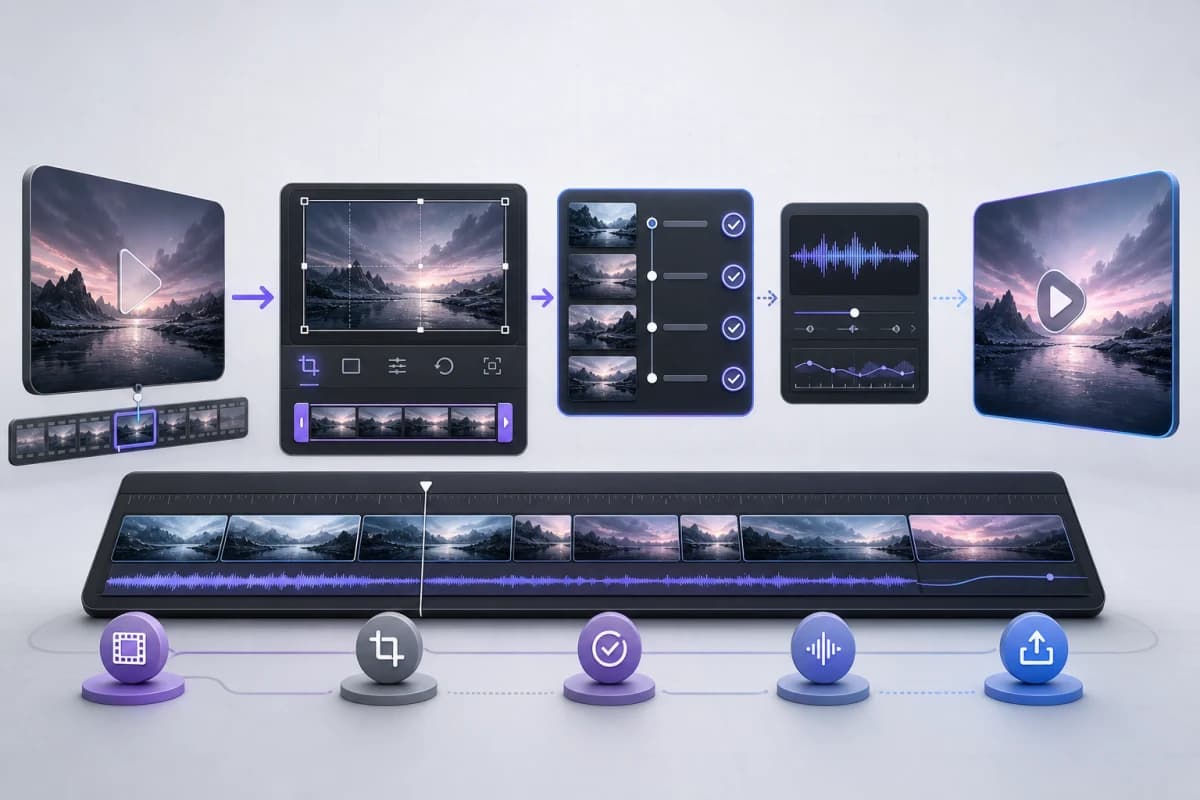
Finish exact cuts in an external timeline editor
The cutting guidance in this section applies to external finishing software, not to a trimming control in the Flowith Mini App. Complete necessary source cuts before uploading, or assemble an approved generated result afterward.
Good trim points are visually understandable. Start after a blurred or unstable opening when the first clear frame establishes the adult subject and setting. End after an action resolves, not during a rapid camera move, cut, occlusion, or malformed frame. If the result will become a continuation source, the final frame needs extra attention because it anchors the next clip.
Review a proposed cut in three passes. First, watch only the motion and ask whether the action still reads clearly. Second, compare identity immediately before and after the cut. Third, listen to the audio transition. A visually clean edit can still produce an abrupt word, breath, noise, or room-tone change.
Do not assume a longer clip is more valuable. A concise, stable result is easier to review and may be a stronger source for another controlled step. The video cost and duration guide explains why duration increases review surface and identity risk as well as cost.
If no clean cut exists, editing may not be the correct repair. Generate a shorter replacement from an earlier stable image or keep only the approved portion. Removing an unusable section is often safer than hiding its failure with a transition.
Review continuity at every edit point
Continuity is more than a matching face. Compare hair silhouette, body proportions, clothing, accessories, room layout, light direction, camera height, lens feel, motion direction, and pace. An adult character can look individually plausible in two frames while still appearing to become a different person at the cut.
Use a small continuity checklist:
- Identity: face, hair, build, and adult age cues remain stable.
- Wardrobe: clothing and accessories do not change without an intentional reason.
- Space: doors, furniture, windows, and background light stay in consistent positions.
- Camera: direction and framing do not jump unexpectedly.
- Motion: speed and body direction continue naturally across the edit.
- Safety: no new person, private detail, or prohibited element appears.
When identity is the main risk, compare the edited clip against the original character anchor rather than only the previous generated frame. The adult video character consistency guide provides a frame-by-frame review method.
Do not repeatedly export a weak intermediate result and use it as the next source. Compression and visual errors can accumulate. Keep the clean source and the latest approved version available, then branch again from the strongest artifact.
Treat audio as a separate review surface
Flowith’s Audio option creates new sound for the generated clip; it does not retain the source track. With Audio off, the request is for a result without generated audio. Listen to the actual output before assuming it is suitable. Original audio can only be incorporated separately through a suitable external finishing workflow. Silence is preferable to speech or sound that is wrong, identifying, unlicensed, or inconsistent with the scene.
Listen once without watching the video. This makes repeated noises, clipped speech, names, private conversation, and abrupt level changes easier to notice. Then watch and listen together to check synchronization. Confirm that transitions do not cut a word or create an impossible room-tone change.
Keep private voice recordings and identity evidence outside prompts, captions, public metadata, and analytics. If the source contains conversation unrelated to the intended result, remove it before upload when you are authorized to do so. Do not promise that an editing step removes copies or backups from a service; rely on the current privacy policy and actual account controls.
Continue only from an approved ending
Continuation is appropriate after the edited clip has a stable final second and one clear next beat. Preserve the same adults, room, lighting, camera direction, and pace. Describe only the next visible action. Do not ask the continuation step to repair earlier identity drift, replace the environment, introduce several story beats, and join the final movie in one request.
The continuation output remains a separate artifact. Review its opening against the source ending, then inspect the new final frame. If you later assemble the clips, check the seam, frame rate, color, audio, and timing in an appropriate timeline workflow. The supporting video prompt guide explains how to keep the optional instruction subordinate to the selected action.
Complete a publication review
Before download or publication, watch the complete edited result at normal speed and then inspect critical frames. Confirm adult status, consent, source authorization, visual continuity, audio, text, logos, unintended people, metadata, and destination rules. Generated material can contain plausible details that were never requested; treat every visible and audible element as something that needs approval.
Use this final checklist:
- The edit solves the stated problem without introducing another one.
- Every person remains clearly adult and within the authorized scope.
- Identity, anatomy, wardrobe, environment, camera, and motion are acceptable.
- Audio contains no private, unintended, or unsupported material.
- The original and approved versions remain distinguishable.
- The destination permits the adult content and applies the required label.
- Sharing, retention, and deletion expectations are understood.
An NSFW AI video editor is most useful when it makes one existing clip easier to approve, continue, or publish. Keep generation, editing, continuation, and final assembly as separate decisions. That separation produces a clearer audit trail, reduces accidental drift, and makes the next creative step easier to choose.