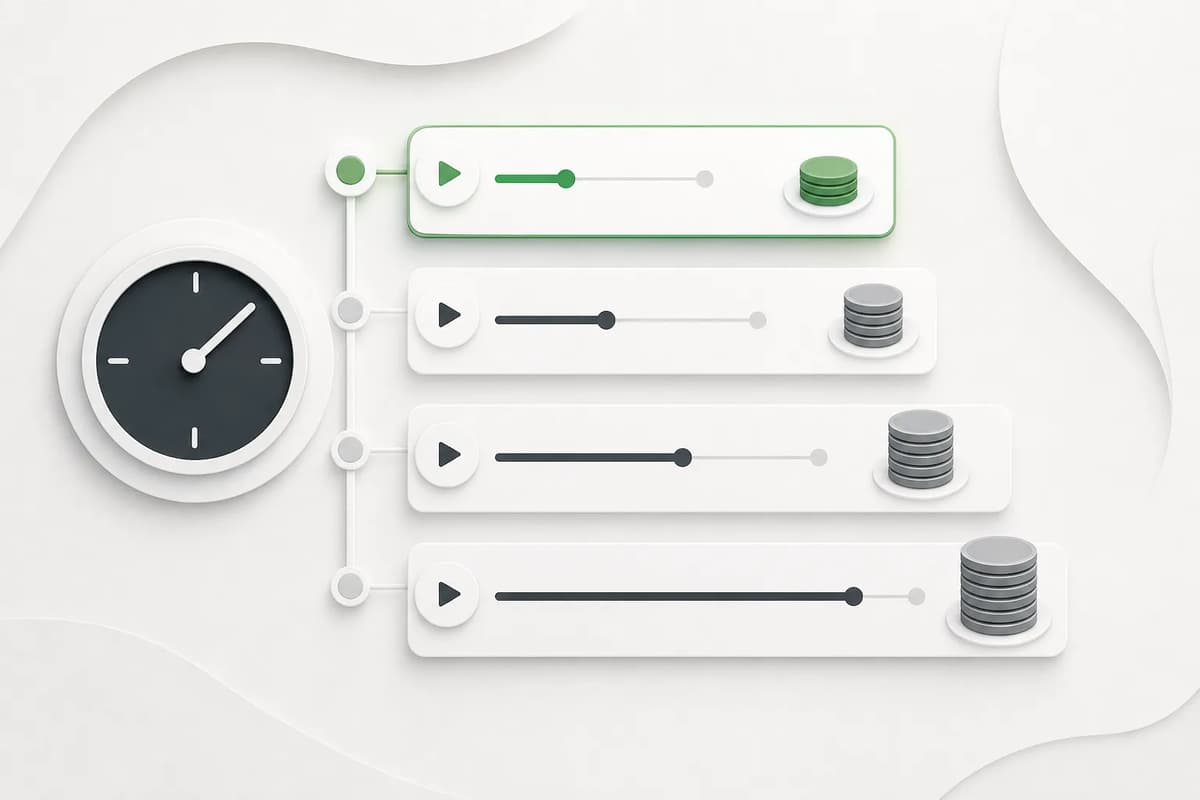
Choose four seconds for the first identity and motion test, then increase in one-second steps only after the source and direction are stable. Longer adult AI video costs more credits and gives drift more time to appear. A visible quote before generation is the useful cost signal; broad “cheap” or “premium” claims are not.
Duration changes the creative risk
Video models must preserve face, body, clothing, background, and camera across frames. Every extra second adds opportunities for change. A short clip is not merely a cheaper preview; it is a diagnostic tool. If the first four seconds fail, a ten-second version usually magnifies the problem.
| Duration | Best use | Main risk | Recommended sequence |
|---|---|---|---|
| 4 seconds | First test, subtle action, simple continuation | Action may feel brief | Always begin here for a new source |
| 10 seconds | One complete action with a paced beginning and end | Mid-clip identity drift | Use after a stable 4-second test |
| 20 seconds | A gradual movement with stable camera language | Background and anatomy changes | Keep one action and one camera instruction |
| 30 seconds | Long-form continuation from a proven source | Highest drift and review cost | Reserve for carefully reviewed inputs |
Flowith’s Adult Image Animator and Adult Video Continuation support 4–30 seconds in one-second increments. Free trial generation is limited to four seconds; longer durations are paid controls.
Read the credit quote before generation
The quote reflects the selected model, duration, input type, and any extra capability such as real-person character assets. Review it after changing duration or real-person mode. Do not assume that mature and explicit intensity differ in cost when the product specifies the same model and output; the entitlement may change while the technical price remains fixed.
Credits are only one cost. Include failed attempts, source preparation, review time, and editing. A focused action and short test can reduce waste because the output is easier to diagnose. This is the defensible meaning of cost control—not a universal claim that one service is cheaper than another.
Match action complexity to time
A small facial expression, close camera move, or subtle posture change can fit four seconds. A dance or gradual wardrobe movement may need more time. Even at 20 or 30 seconds, describe one coherent action rather than a list of shots.
If the prompt contains “then,” “after that,” and “finally” several times, it probably asks too much. Split the idea into separate clips. For continuation, use the first clip’s stable final frame as the next source. The continuation guide explains how to maintain the seam.
Consider real-person processing
Real-person media may require a paid character-assets path before provider submission. That preprocessing can affect the quote and submission time. It exists to send the source through the provider’s supported identity mechanism rather than passing a raw person image directly.
Keep the control off for fictional or illustrated inputs unless needed. If a real person is detected, the UI should identify the requirement and open the relevant setting. Specific adult-use consent remains mandatory. Provider acceptance is not a legal permission. Read the real-person NSFW consent guide.
Use a duration ladder
For a new source:
- Prepare a clear adult image or a clean short video ending.
- Choose one action or continuation direction.
- Generate four seconds and review every section.
- Fix source, prompt, or direction if identity drifts.
- Increase duration one second at a time only after the four-second clip passes.
- Use 20 or 30 seconds only when the creative brief and source stability truly need the time.
This ladder is faster than starting long because a failed short clip provides actionable evidence. It also protects a free per-app trial from being spent on a paid-only duration that should have been locked before run creation.
Review cost alongside output value
Ask whether the clip can be used as-is, as a continuation source, or as a reference in Canvas. A short stable clip may be more valuable than a long unstable one. If the output needs extensive repair, count that time. If the action finishes in six seconds, a 30-second output adds no value.
Record the quote, selected duration, action, source type, and result status for internal comparison. Do not include prompt text or media URLs in analytics. Use aggregate duration and app slug only when permitted by the event contract.
Plan for asynchronous generation
Video generation may take several minutes. The frontend should keep the run pointer so refresh resumes the same task. Realtime notification can accelerate a terminal check, while polling remains a fallback. Neither should create a second provider task or a request storm.
Do not interpret frontend waiting as provider success. The server run status is the source of truth. A failed provider submission should finalize the run, refund once, release a free trial reservation once, and stop polling. A long task should remain recoverable rather than timing out at an arbitrary ten-minute UI limit.
Final decision
Start with four seconds, read the quote, and judge identity and motion. Increase toward 30 seconds only when the action and source justify it. Duration is a creative control, a cost control, and a stability control at the same time. Choosing the shortest clip that completes the intended beat is usually the strongest decision.
For team estimates, record median approved attempts rather than only successful clip price. That reveals whether a longer duration or complex action creates extra retries. Keep the measurement aggregated and free of prompts or media identifiers.