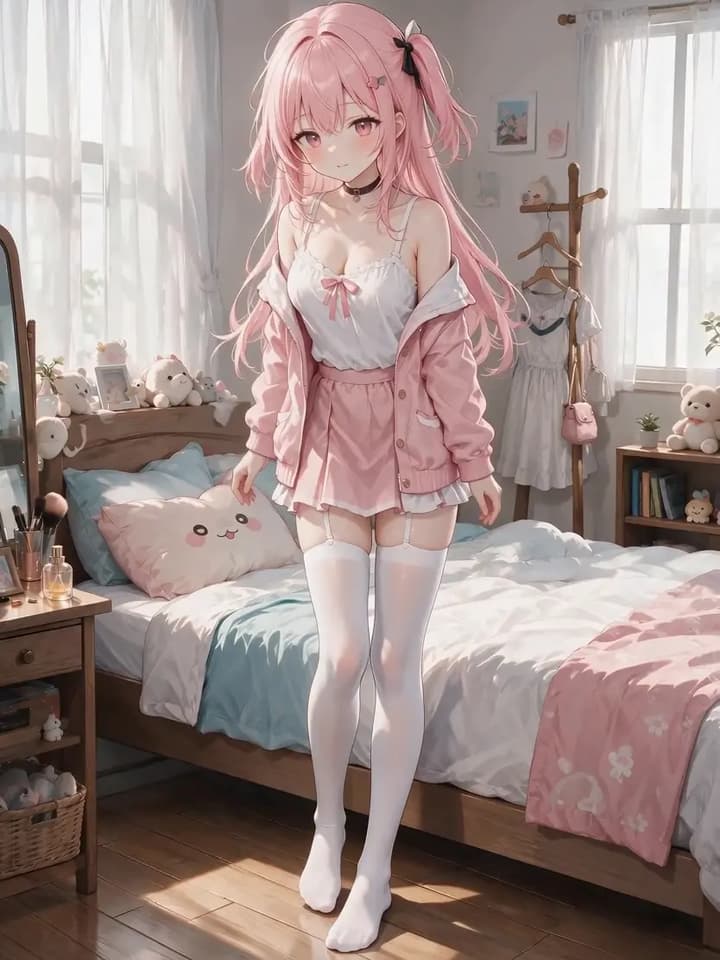
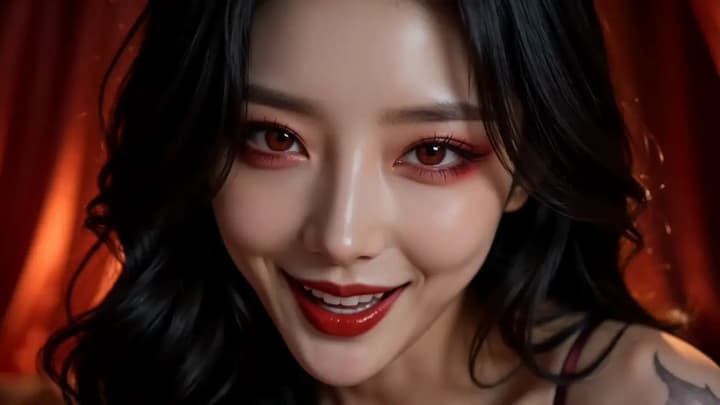
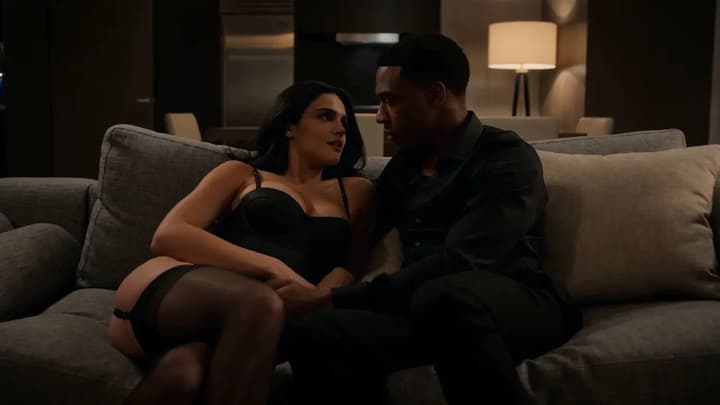
Animate one adult character image
Start from a single authorized character image and create a short motion clip with optional generated audio.
 Adult AI
 18+ image to video
Quick answer
Turn one adult image into an NSFW AI video, choose an action and 4–30 second duration, then review motion, identity, and optional audio.
Create an NSFW videoWhy it works
Start from a single authorized character image and create a short motion clip with optional generated audio.
Select a supported movement instead of relying on an open-ended prompt to control the workflow.
Choose the shortest duration that completes the intended motion, then review every part of the clip.
Three steps
Use a source with the face, hair, limbs, and background easy to read.
Start with a focused motion and four seconds, then use longer clips when the source is stable.
Inspect identity and motion, download the result, or open the approved clip in Canvas.
Confirm you are 18 or older, then continue to the image-to-video workflow.
Open Image to Video