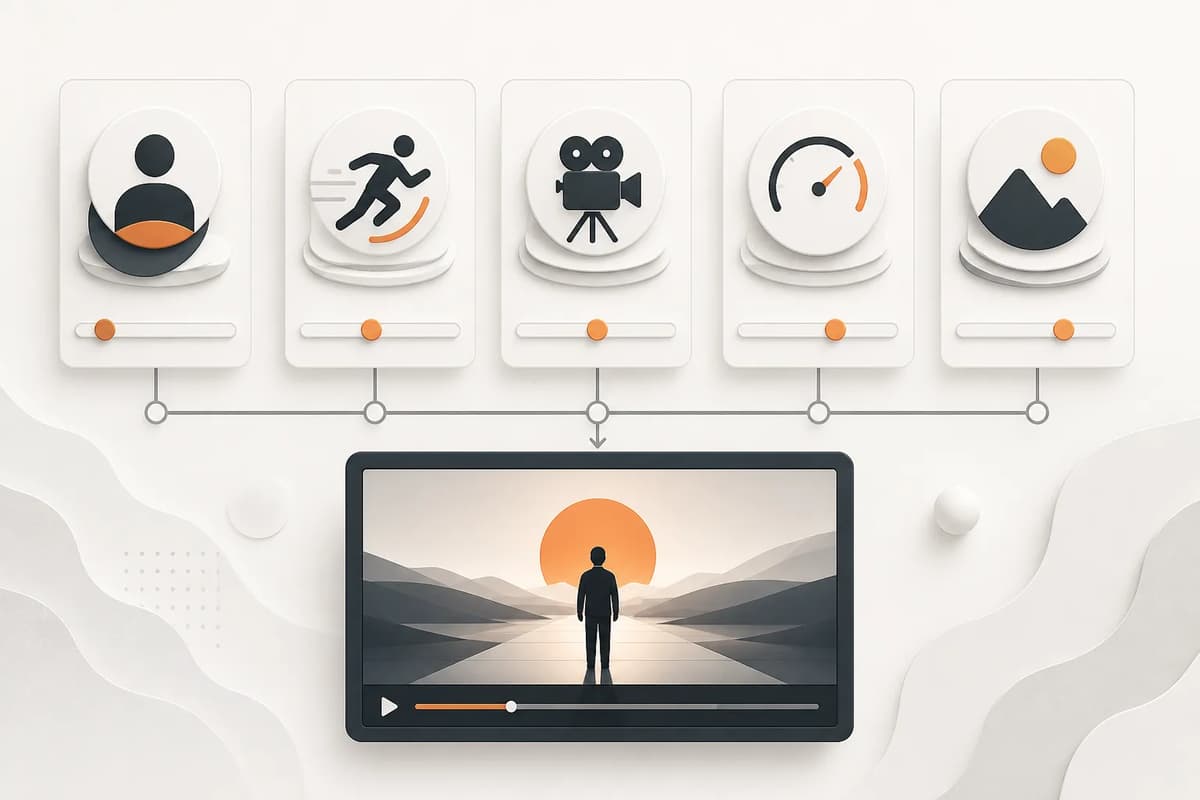
An NSFW AI video prompt should support the action selected in the interface, not replace it. Describe one clearly adult subject or consenting adult scene, one camera behavior, one pace, one environment, and the intended final beat. Keep identity and background continuity explicit. Use the optional prompt for details the preset does not already cover, and never use it to bypass age, consent, real-person, or paid controls.
Let the action remain the primary instruction
A product action should map to a complete motion requirement. If the selected action is a dance, the internal prompt should define body rhythm, framing, and motion boundaries. If it is a closer-contact scene, it should define adult participants, visible interaction, and continuity. The optional prompt can add light or camera behavior, but a second competing action will reduce consistency.
| Prompt part | Good detail | Weak detail |
|---|---|---|
| Subject | Clearly adult character, stable face and hair | “A person” with no age clarity |
| Action | Already selected by the control | Several unrelated motions |
| Camera | Slow push-in, locked medium shot | “Cinematic” without movement |
| Pace | Controlled, gradual, rhythmic | “Amazing energy” |
| Setting | Warm hotel light, quiet background | Long invisible backstory |
| Finish | Ends facing camera in a stable pose | No final state |
Flowith’s Adult Image Animator provides the core action and duration. Your text should fill only the remaining gaps.
Describe camera behavior concretely
Choose locked camera, slow push-in, gentle orbit, medium tracking, or full-body static framing. Camera movement consumes visual attention, so stronger body motion usually needs a steadier camera. A portrait with little background can handle a push-in. A full-body dance needs space and stable framing. A continuation clip should preserve the previous camera direction unless a change is intentional.
Avoid combining zoom, orbit, handheld shake, rack focus, and rapid cuts in four seconds. One camera instruction is enough. State camera distance because “close” affects face stability and “wide” affects anatomy and background.
Set a pace that fits duration
Four seconds supports one clear beat. Six seconds supports a moderate action. Eight or ten seconds can hold an action and settle into a final pose, but longer clips may drift. Use words that describe time: gradual, steady, one controlled motion, then a brief hold. Avoid a sequence of events that would require editing or multiple shots.
The adult video duration guide helps decide when longer output is worth the credits and review time.
Keep identity and environment stable
Name the identity features that must remain: same adult face, hair, build, wardrobe, and visible accessories. For illustrated characters, preserve line style and color palette. For real people, use specific consent and the product’s paid real-person control. Do not put a person’s name, email, or private information in the prompt.
Describe a stable environment with one or two anchors: window, bed, chair, pool edge, corridor lights. Ask for coherent background geometry. Avoid introducing new furniture, mirrors, crowds, or scene changes unless they are essential.
Write mature and explicit scenes differently
Do not write the product labels into the prompt. A mature prompt can request sensual movement, close proximity, lingerie, strategic coverage, and charged expression without visible explicit anatomy or sex acts. An explicit prompt can describe adult nudity or sexual activity directly, subject to provider policy and paid eligibility.
The distinction should be represented by different scene instructions, not by appending “more intense.” The mature versus explicit guide offers a review table. Explicit-only actions should be locked before quote or run creation for a free account.
Use a compact prompt formula
Write one sentence for each layer:
- Subject continuity: same clearly adult character, face, hair, and wardrobe.
- Camera: one distance and one movement.
- Pace: gradual or rhythmic action over the selected duration.
- Environment: one setting and light source.
- End state: stable pose or camera position.
- Optional exclusions: no text, watermark, added people, or scene cut.
Example structure: “Keep the same clearly adult character, face, hair, and black dress; use a steady medium shot with a slow push-in, warm window light, subtle fabric motion, and end on a stable front-facing pose; no added people, text, or camera cuts.” The action itself remains supplied by the selected control.
Diagnose failures without prompt inflation
If the face changes, strengthen identity and simplify camera motion. If anatomy fails, choose a source pose closer to the action and shorten duration. If the background warps, remove moving camera or simplify the scene. If the action is weak, do not add five adjectives; make the visible motion path clearer.
If a provider rejects the request, do not hide the intent with euphemisms. Confirm adult status, consent, content level, and real-person eligibility. Revise only when the new request is genuinely within policy.
Review and continue
Inspect first, middle, and last frames. The action should be readable, identity stable, and final frame usable. If you plan continuation, the ending should not contain severe blur, occlusion, or geometry failure. The adult video continuation guide explains how the last frame becomes the next clip’s anchor.
Final takeaway
Keep optional video prompts small and concrete. Let the product action define the motion, then add one camera, pace, setting, continuity requirement, and final state. Short, compatible instructions produce more diagnosable results than a paragraph of competing events.
Save an approved prompt with the source type and duration, not as a universal template. A phrase that works for a close portrait may fail on a full-body scene. Reuse the structure while updating the observable details for each source.