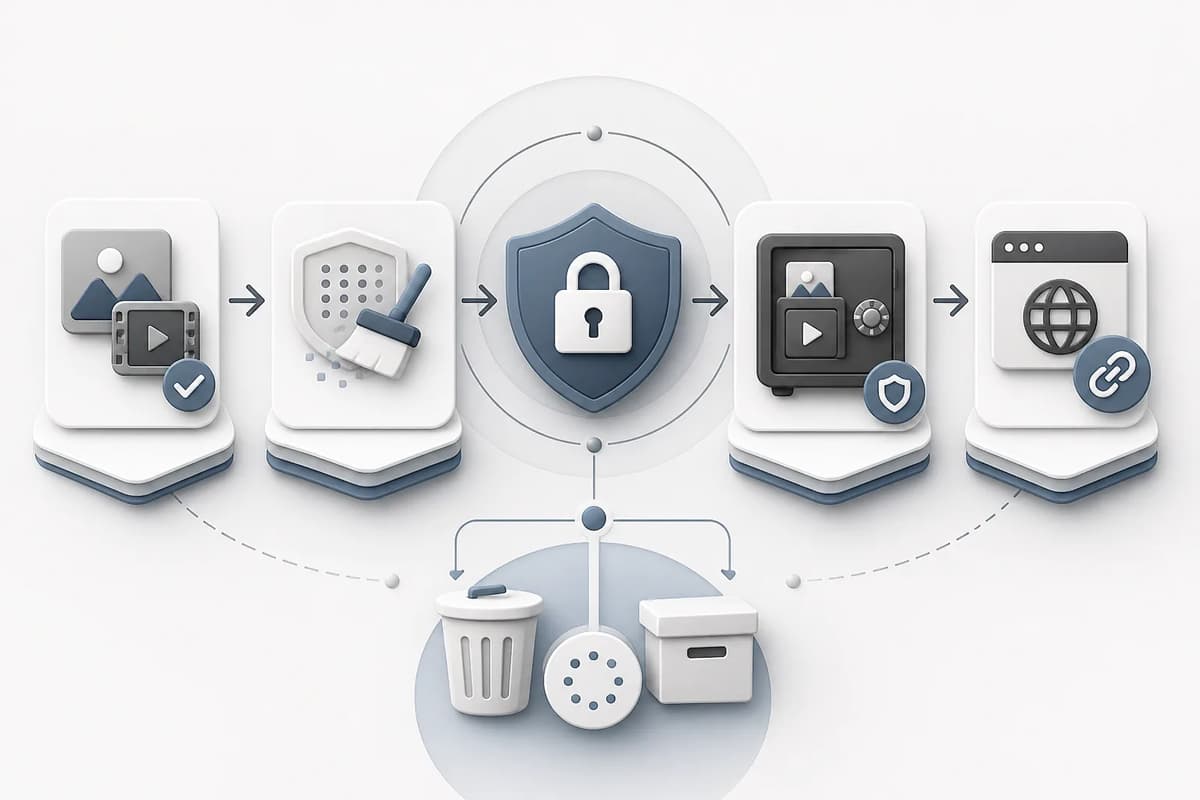
Before uploading adult media, use only authorized files, remove unrelated people and unnecessary metadata, rename files without personal details, understand where originals and results appear, and know how deletion works. Upload the minimum source needed for the task. A generation service can protect account access, but the creator still controls whether sensitive material should be submitted at all.
Minimize the source
Choose one clear image or the shortest useful video. Do not upload an entire private album because one frame is needed. Crop unrelated surroundings and people only when you have rights to edit the file. Avoid screenshots containing messages, notifications, usernames, or device UI.
| File check | Keep | Remove or replace |
|---|---|---|
| People | Only authorized clearly adult subjects | Bystanders and unknown identities |
| Background | Relevant scene context | Addresses, documents, screens, personal items |
| Metadata | Technical fields needed for processing | GPS, device serial, private comments |
| Filename | Neutral project identifier | Legal name, email, phone, account ID |
| Duration | Shortest useful source | Unrelated beginning or ending |
| Quality | Clear face, limbs, and scene | Blur, corrupted frames, extreme compression |
Inspect metadata before upload
Images can contain EXIF location, device, date, editing software, and comments. Videos can contain creation time, device fields, location, track names, and thumbnails. Remove fields that are not necessary. Keep a private original if you need provenance, then create a sanitized working copy.
Do not assume that messaging or social apps always strip metadata. Verify the actual file. Also inspect visible information: a reflection, document, window view, or screen can disclose more than EXIF.
Use neutral names and project records
File names can appear in logs, downloads, browser history, or support records. Use names such as character-reference-a.webp or continuation-source-01.mov, not a person’s identity or explicit description. Keep the mapping to consent records in a separate private system.
Prompts should not include names, emails, phone numbers, addresses, or private URLs. Analytics should use safe enums such as app slug, content level, or duration—not prompt text or media URLs.
Understand storage and Media History
Ask whether the upload becomes a persistent media record, whether results enter Media History, and whether links are public, private, signed, or shareable. A history feature is useful for recovery and editing, but it also means you should manage artifacts after the project.
Flowith stores successful Mini App results in Media History and supports download or opening in Canvas. The NSFW static content site itself does not receive uploads, sessions, or Worker requests; creation occurs in the SPA. The adult workflow guide explains the handoff between tools.
Handle real-person media separately
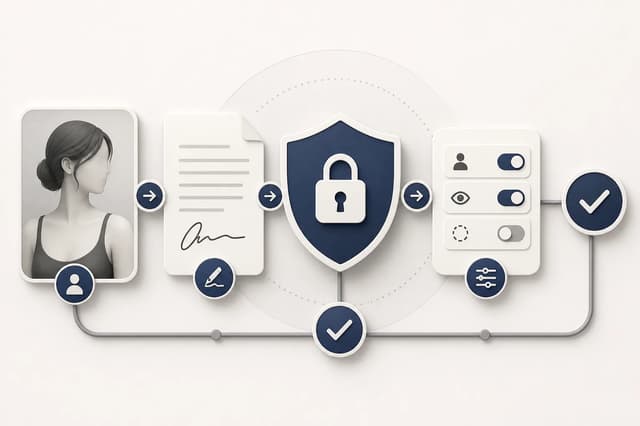
For a recognizable person, obtain specific adult-use consent and enable the product’s paid real-person control when required. Keep identity and permission documents outside the generation system. If detection identifies a real person while the control is off, enable it only when eligible and authorized.
The real-person consent guide lists consent fields and review steps. Provider safety processing does not replace permission.
Review links and downloads
Do not paste source or result URLs into public chat, issue trackers, or analytics. If a link is intended for sharing, test it in a signed-out session and understand who can open it. Revoke or delete links after the review window when the product supports that action.
When downloading, place files in an access-controlled project directory. Avoid automatic cloud-photo synchronization for sensitive adult media unless every account and collaborator is authorized. Encrypt archives when appropriate and transfer keys separately.
Plan deletion before generation
Decide how long to keep the source, failed attempts, approved output, and consent evidence. The consent evidence may require longer retention than the media, but should have tighter access. Document who can request deletion and who confirms completion.
Deletion checklist:
- Remove local working copies no longer needed.
- Delete unwanted uploads and results from Media History when supported.
- Remove Canvas copies or exported project files.
- Revoke share links.
- Clear team storage and review folders.
- Confirm backups or retention windows that cannot be immediately changed.
- Record the deletion without retaining the sensitive file itself.
Do not promise immediate deletion from systems whose backup behavior you have not verified. State the actual process and retention limits.
Prepare video continuation safely
For continuation, trim the source to the shortest clip with a stable ending. Flowith accepts MP4 or MOV up to 100 MB and 15 seconds for the focused continuation tool. Remove audio if it contains private conversation and the workflow does not continue audio. Review first and last frames for unintended people or private background details.
Open Adult Video Continuation only after the source passes these checks. The continuation guide covers camera and identity continuity.
Final takeaway
Privacy starts before upload: minimize the source, sanitize metadata, use neutral names, separate consent records, understand history and links, and define deletion. Adult media deserves a higher threshold than ordinary creative files. If a source contains unnecessary personal information, create a safer working copy or do not upload it.
For team projects, assign one owner for source approval and one place for the retention record. Collaborators should receive only the working assets they need, not the original folder. Review access when a contractor or client leaves the project. A small, documented path from authorized source to approved artifact is easier to secure than copies scattered across personal drives, chat attachments, and browser downloads.
Repeat the review for every new destination. A file safe inside a private project can expose metadata or identity when attached to a public post. Export a dedicated publication copy and inspect it before sharing.