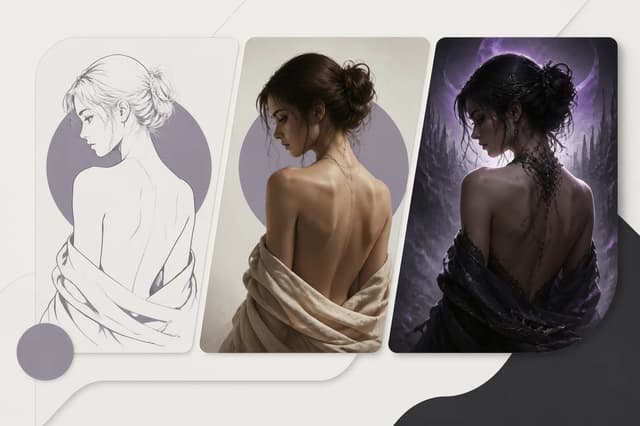
The NSFW AI Image Editor takes one source image and creates a new edited image from your selected editing direction and optional instruction. Start with one clean authorized portrait, define one edit, compare it with the source, and continue only from a reviewed result. When a prepared lingerie, leather, fantasy, hotel, poolside, or dark-club direction fits, Adult Makeover provides the narrower workflow. Editing is generative: preserving a subject is a goal to check in the result, not a promise of identical pixels.
Use the current image editor controls
Open the Image Editor from its tool page and provide one authorized source image. Choose Portrait Restyle, Wardrobe Edit, Scene Change, Fantasy Style, or Lighting Edit according to what you want to change. Select the output ratio and resolution in the app. The optional instruction refines the selected direction and may contain up to 500 characters; it does not add a second source image or a mask editor.
A sample instruction for a fully clothed adult portrait is: “Change the jacket to dark blue. Keep the face, pose, background, framing, and light unchanged.” This is an illustrative input, not a published benchmark or a claim about an observed output. Compare the actual generated image with the original. A successful review would require the jacket color change, a recognizable adult subject, and no unwanted background changes. A weak result should be rejected or retried from the original rather than treated as a reliable new identity anchor.
Read the current credit quote before generating. Save the resulting image separately and inspect its edges, hands, facial details, and requested change. The editor returns an image; it does not return a deterministic layer stack, a pixel mask, or an automatically assembled before-and-after comparison. Arrange comparisons yourself using the original and downloaded result. For a more detailed source review, use the image preparation guide.
The remaining sections discuss both general image review and the narrower Makeover workflow. The six Makeover directions below are not the Image Editor’s five edit categories. Pick the tool that matches the task rather than assuming the controls are interchangeable.
Select a stable source
Choose a portrait with a visible face, readable hair silhouette, even light, and enough body context for the intended clothing or environment. Avoid group photos, extreme crops, heavy filters, and blurred images. Use an original fictional adult character for practice. A real person’s consent does not override a product restriction; check the current tool rules and do not proceed if the intended transformation is not permitted. For fictional characters, retain the approved neutral portrait.
Before upload, note face shape, hair color and length, adult age cues, skin tone, build, and signature details. These are the identity contract. The makeover can change wardrobe, pose, light, and setting; it should not replace these traits.
| Direction | Primary change | Identity risk to review |
|---|---|---|
| Lingerie Restyle | Fabric, fit, intimate portrait styling | Body proportions and skin detail |
| Leather Dominance | Structured leather, posture, dramatic light | Face hidden by shadow or accessories |
| Fantasy Roleplay | Costume, environment, theatrical light | Character replaced by costume complexity |
| Hotel Night | Interior, evening wardrobe, cinematic mood | Warm light altering face and skin tone |
| Poolside | Swim styling, daylight, outdoor setting | Glare, pose, and background anatomy artifacts |
| Dark Club | Nightlife wardrobe, contrast, colored light | Facial features lost in low light |
Change one direction per round
Do not combine hotel, poolside, fantasy, and club into one request. A fixed direction lets the service translate the choice into clothing, composition, environment, and light. If you add an optional prompt, specify one supporting item such as “emerald satin,” “silver ear cuff,” or “rainy window reflections.”
Flowith’s Adult Makeover offers six single-select directions. Every generation is a separate run and result. This makes costs visible and lets you decide whether the current version is good enough before continuing.
Use the original-previous-current rule
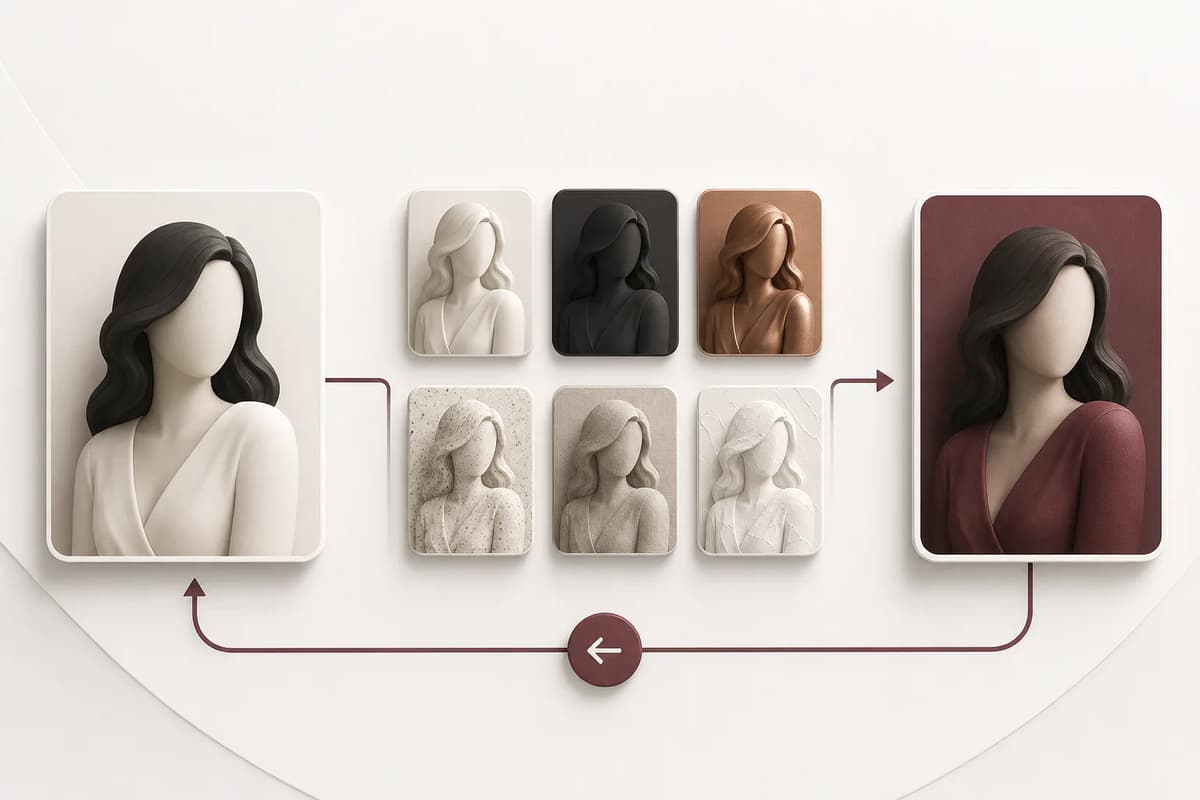
Keep the original source unchanged. After a successful makeover, mark it as current. Before another round, current becomes previous. If the next result fails, restore previous. This simple chain covers the real editing need without a complex branching history.
Review before promotion:
- Subject is clearly adult.
- Face and hair remain recognizable.
- Body proportions remain compatible.
- Requested wardrobe and scene are present.
- Hands, clothing edges, and background are usable.
- No unintended text, logo, watermark, or extra person appears.
If identity is questionable, do not promote the result even if styling is attractive. The NSFW character consistency guide explains how drift compounds across iterations.
Write a supporting optional prompt
The selected makeover establishes the editing direction. Your addition should refine color, material, prop, light, or camera mood. Keep it observable and short. “Burgundy leather gloves, cool side light” is useful. “Make it better and more intense” is not.
Do not use optional text to override adult status, consent, or product restrictions. Follow the current content controls and review the returned image against the selected level. Payment is not permission to bypass a restriction. The mature versus explicit guide explains the content distinction.
Preserve face under dramatic styling
Leather, fantasy, and club directions often use contrast. Ask for readable facial features and a clear key light. Limit face-covering accessories. If a mask, veil, or hair-over-face pose is essential, first generate an identity-stable version without it, then continue from that result.
Hotel and poolside settings present different problems. Warm hotel light can shift skin tone; bright outdoor light can flatten facial shape. Compare the result against the original in neutral terms rather than expecting identical color. Face geometry and hair silhouette matter more than matching every pixel.
Use Media History and Canvas deliberately
Use Media History to locate saved artifacts after refresh, and keep your own approved source and output copies rather than treating history as a permanent backup. The original-previous-current rule above is a version-management practice, not a claim that the Image Editor includes named rollback buttons. Download approved versions with descriptive, non-sensitive file names. Open selected results in Canvas when you want to compare, annotate, or combine them with other project assets.
Do not place consent records or personal identifiers in the image title, prompt, or analytics. Store rights evidence separately. The upload privacy guide covers metadata and deletion considerations.
Continue into comics or video
A successful makeover can become a comic reference if the face remains clear and the pose is not too extreme. Use the makeover result for wardrobe and setting, but keep the neutral original available for identity. For animation, choose a frame with readable limbs and a stable background. Match the action to the source pose.
The adult image-to-video guide explains how to prepare a makeover result for motion. If the goal is a single illustrated scene instead, use the adult comic prompt guide to define composition and exclusions.
Final takeaway
Begin with an authorized stable portrait, choose one makeover, add one supporting detail, and promote only identity-safe results. Keep original, previous, and current images, while using Media History for the complete record. This disciplined loop supports multiple adult styles without turning every iteration into a new person.
When comparing two approved directions, place them beside the neutral original and ask which one better preserves the project’s identity contract. Do not select by surface detail alone. Record the chosen effect and optional addition so another collaborator can continue from the same decision. If the next use is animation, favor the version with clearer limbs and a quieter background even when the alternative looks more dramatic as a still image.