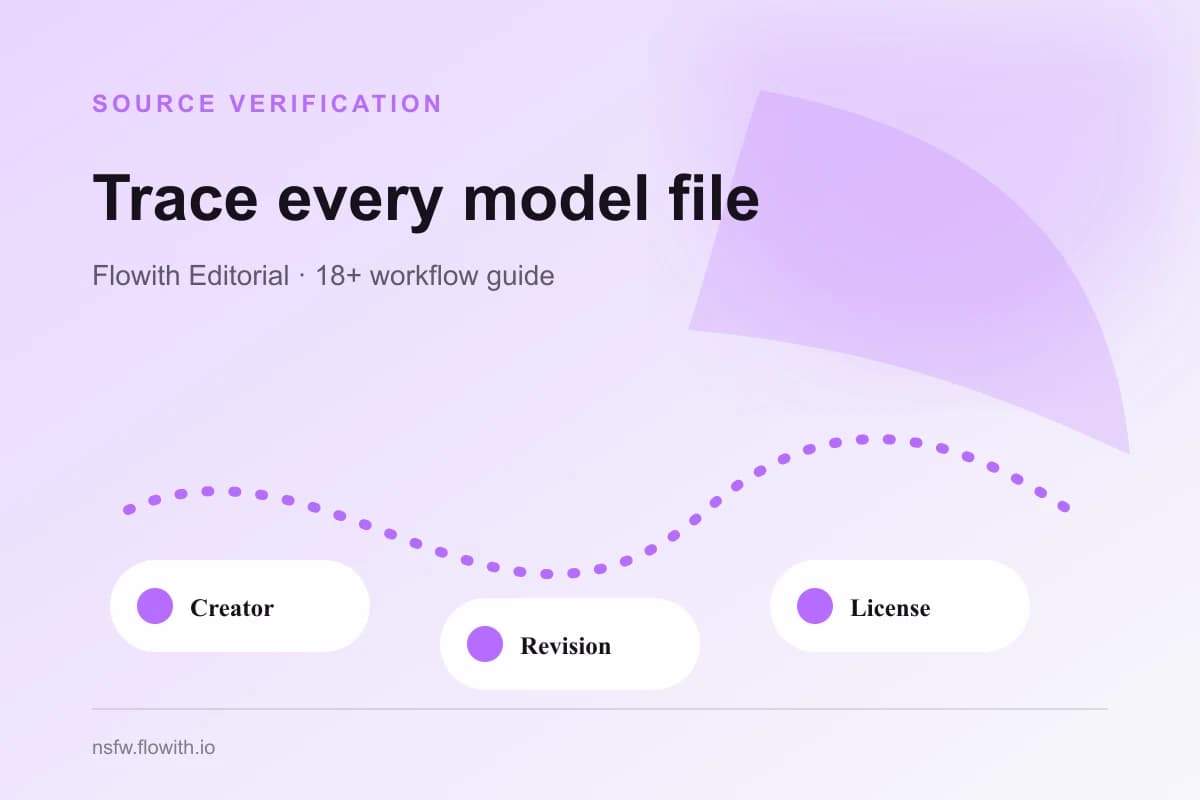
Source verification for a Civitai NSFW model means being able to identify the creator page, exact model version, exact file, intended base, visible license evidence, dependencies, and date reviewed. Save that record before testing or publishing with the asset. A filename copied from a folder, mirror, chat, or archive is not enough to establish where a model came from or which conditions apply.
Build one source record per exact version
Do not make one record for an entire model name when multiple versions or files exist. Version changes can alter training, compatibility, examples, restrictions, and recommended settings. The record should point to the exact page and version you actually reviewed.
| Field | Record | Why it matters |
|---|---|---|
| Creator | Display name and creator profile URL | Distinguishes the publisher from a mirror |
| Model page | Clean canonical page URL | Provides the primary public source |
| Version | Exact version label or identifier | Separates revisions and conditions |
| File | Exact file name and size; checksum if available | Confirms which artifact was tested |
| Base | Declared compatible base or architecture | Prevents accidental mismatch |
| License evidence | Displayed license and creator restrictions | Supports a separate rights review |
| Dependencies | Required embeddings, LoRAs, VAEs, or extensions | Explains the actual stack |
| Review date | Date the page and terms were checked | Makes later changes detectable |
Capture a short plain-language purpose, such as “style reference for fictional adult comic tests.” Avoid vague labels such as “NSFW model.” The purpose determines which evidence is relevant and prevents the source record from being reused as blanket approval.
The Civitai NSFW model evaluation checklist decides whether the model performs the task. Source verification only establishes what was reviewed. The Civitai settings and policy pillar remains the owner of the broad Civitai NSFW query.
Prefer the creator page over mirrors
Start from the current creator or platform page. Mirrors, reposts, cloud folders, community attachments, and renamed archives may omit the version history, license, trigger guidance, or dependencies. If the creator page no longer exists, record that fact and treat the missing primary source as risk rather than silently substituting a mirror.
Compare the file name and size with the source page. If a checksum is provided, verify it before testing. If no checksum is available, record the limitation. Do not infer that two same-named files are identical. Avoid opening unknown executable installers or scripts merely to obtain model weights.
Read the current Civitai Terms of Service and the exact creator notes. Platform terms, model-page licenses, and creator restrictions answer different questions. The host identifies where the asset was published; it does not automatically grant every downstream right.
Record the complete dependency chain
A visible result may depend on more than one file. Record the checkpoint, LoRA, embedding, VAE, control model, extension, and post-processing step that materially contributes. If the example page lists parameters, separate required dependencies from optional stylistic choices.
If the actual goal is a finished fictional adult character rather than model-stack research, compare this dependency burden with the focused Adult Character Creator before adopting more files.
For every dependency, repeat the same source process. A permissive base does not override a restrictive add-on. A clear LoRA page does not resolve an unknown checkpoint. If one component cannot be traced, the stack is not fully verified.
Use a compact dependency table:
| Component | Exact source | Version/file | Required? | Evidence gap |
|---|---|---|---|---|
| Base/checkpoint | Creator or repository URL | Exact revision | Yes | None or stated gap |
| Character/style LoRA | Creator page URL | Exact version | Yes/No | License, trigger, or version gap |
| VAE/control | Primary project URL | Exact version | Yes/No | Compatibility gap |
| Post-processing | Tool or method record | Version/settings | No | Reproducibility gap |
The Civitai versus Hugging Face guide explains why image-first discovery and repository-first traceability may provide different pieces of this chain. Hugging Face model cards can help document intended use and limitations when a related repository is part of the primary source; review the current model cards documentation rather than assuming every repository contains a complete card.
Keep source and license decisions separate
A verified source is not the same as permission. After identifying the exact asset, review commercial use, derivatives, hosted generation, redistribution, attribution, and output restrictions for that version. Also review reference-image rights, depicted-person consent, recognizable characters or brands, and destination policy.
Use the current Civitai model licensing guide as evidence about the platform’s displayed licensing options. Preserve the wording and date you reviewed without paraphrasing it into broader permission. When terms are unclear or conflicting, pause use or seek permission instead of choosing the most favorable interpretation.
The NSFW model licensing and commercial-use guide covers those rights layers. This page should not duplicate that analysis; its job is to make sure the rights review is attached to the correct source and version.
Maintain the record through updates
Model pages can add versions, edit notes, change files, or disappear. Do not overwrite an old production record with a new page state. Create a new review entry when the exact file, version, dependency, license evidence, or intended use changes. Keep the earlier record alongside the outputs it supported.
Use these update triggers:
- The creator publishes a new version or removes the tested one.
- The model file, size, hash, base, or dependency chain changes.
- Creator notes or displayed license information changes.
- The workflow moves from private tests to publication or commercial use.
- A source link stops resolving or redirects to a different asset.
- A new safety, consent, or destination requirement affects the intended use.
Finish with a clear status: verified for evaluation, verified with evidence gaps, or not verified. “Verified for evaluation” means the source record is complete enough to test; it does not approve the content, license, or publication. This distinction keeps provenance useful and prevents a source checklist from becoming an unsupported legal conclusion.