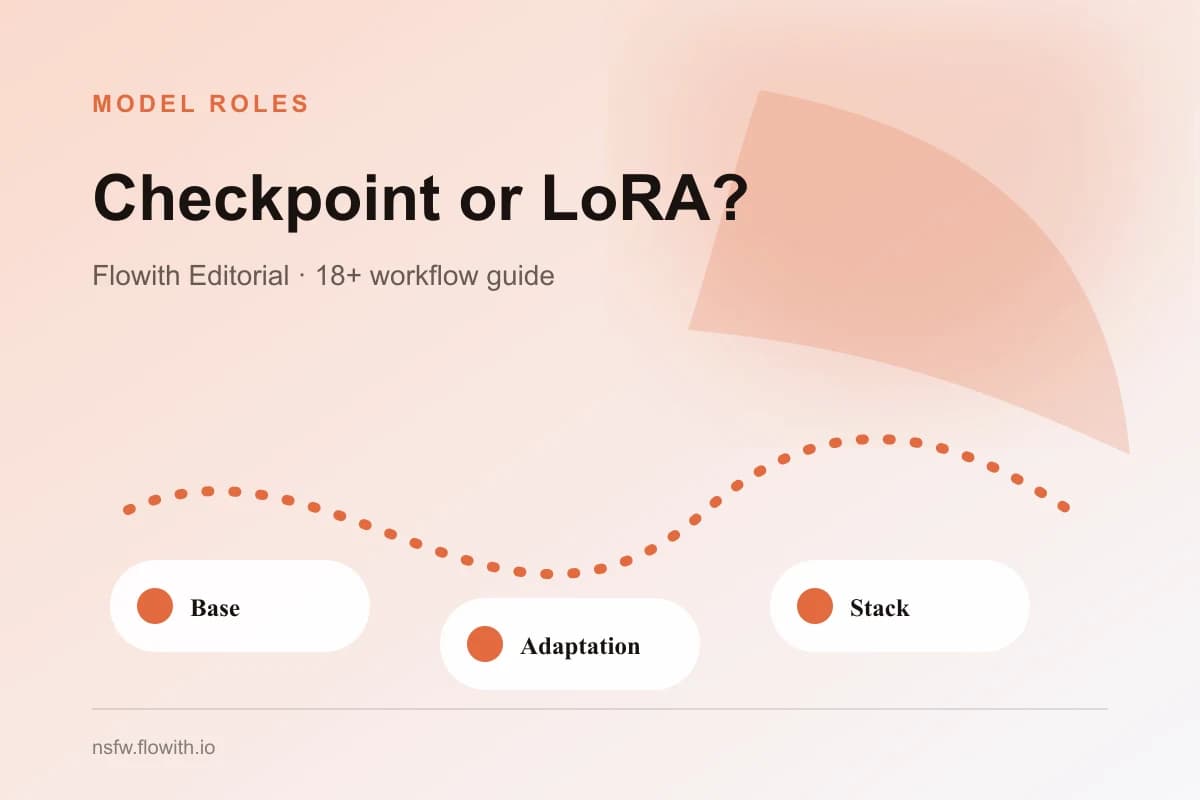
Choose a Civitai checkpoint when you need the broad base behavior of a generation stack; choose a LoRA when you need a narrower character, style, clothing, or concept adjustment on top of a compatible base. The names describe different roles, not quality levels. Evaluate the exact files, versions, examples, base compatibility, dependencies, and license evidence before deciding which one belongs in an adult AI workflow.
Understand the different scope
A checkpoint commonly supplies broad generation behavior: visual vocabulary, anatomy tendencies, prompt interpretation, and default style. A LoRA is commonly used as an additional learned adjustment. It depends on a compatible base and is usually narrower in purpose.
| Decision | Checkpoint | LoRA |
|---|---|---|
| Primary role | Broad base behavior | Focused adaptation |
| Typical scope | Many subjects and scenes | Character, style, garment, concept, or detail |
| Dependency | May still require a VAE or workflow components | Requires a compatible base checkpoint |
| Evaluation | General quality plus target task | Whether the intended concept appears without overriding identity |
| Version record | Exact checkpoint file and revision | Exact LoRA file, revision, base, and strength |
| Common mistake | Assuming it handles every niche task | Assuming it works with any base or setting |
Do not select both from popularity alone. Begin with a target such as “one reusable fictional adult character for six scenes” or “a stable visual style for a comic.” A checkpoint and LoRA combination is useful only when every component contributes to that target and can be reviewed separately.
The Civitai NSFW settings and policy guide owns broad platform questions. The Civitai model evaluation checklist covers the full adoption decision; this page isolates the checkpoint-versus-LoRA role.
Verify base compatibility and dependencies
Record the declared base family and exact versions. Do not assume that a LoRA trained for one architecture or base will behave correctly on another. Read creator notes, file details, and example parameters. Identify required VAEs, embeddings, control components, extensions, and recommended strength.
Create a dependency chain before testing:
- Exact checkpoint and version.
- Exact LoRA and version.
- Declared compatible base relationship.
- Required supporting files or extensions.
- Prompt or trigger guidance.
- Reproducible resolution and core settings.
If one component cannot be traced, the stack cannot be reproduced confidently. The model source verification guide shows how to record creator, page, version, file, base, dependencies, and review date.
Test the checkpoint before adding the LoRA
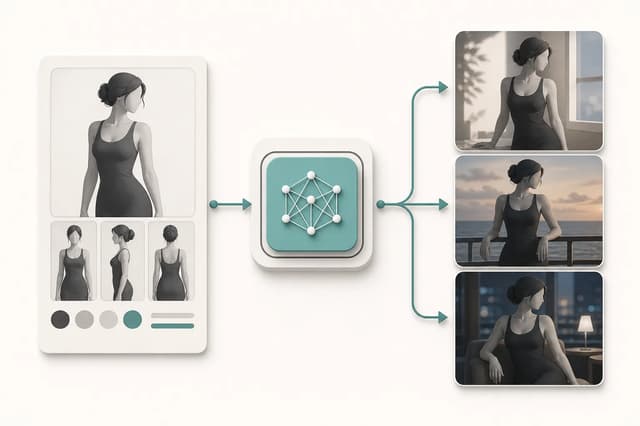
Build a baseline with the checkpoint alone. Use an original fictional adult subject or an authorized reference and a small test set. Confirm clear adult presentation, identity, anatomy, prompt response, camera variety, and scene separation. Keep the seed strategy, resolution, sampler, and prompt structure stable enough to compare results.
Then add the LoRA at a conservative documented strength. Change only that component. Ask whether the intended character, style, or concept appears and whether unrelated qualities deteriorate. A LoRA that strongly adds a style but replaces the face or collapses pose variety may not suit a character workflow.
Compare:
- identity before and after the LoRA;
- adult age cues and body proportions;
- style or concept strength;
- prompt responsiveness outside the target concept;
- hands, clothing edges, background geometry, and text artifacts;
- consistency across at least three camera or scene changes.
The LoRA character consistency guide explains how to separate identity, style, scene, camera, and adult intensity during review.
Avoid stacking several unknowns
Adding several LoRAs, embeddings, controls, and post-processors at once makes attribution difficult. If the result fails, you will not know which component caused the problem. Begin with one checkpoint and one optional LoRA. Add another component only when the previous combination passes review and the next component has a distinct job.
Name each test by stack and version. Preserve the baseline beside the adapted result. Do not continue from a cherry-picked success without checking repeatability. One strong image may be an outlier; production suitability requires the intended quality across several bounded cases.
If the goal is a finished character or comic rather than model research, compare the setup cost with a focused workflow. The Adult Character Creator and Adult Comic Generator provide narrower starting points without requiring the user to assemble a model stack.
Review license and source for every component
Checkpoint and LoRA licenses can differ. Review the exact version of each asset, creator restrictions, commercial-use terms, hosted-generation restrictions, redistribution, attribution, and output conditions. A broad permission on one component does not override restrictions on another.
Use the current Civitai model licensing guide as a primary reference for displayed licensing options, then preserve the exact model-page evidence reviewed. Hosting or visibility does not establish permission for references, likeness, brands, characters, or destination platforms.
The NSFW model licensing guide separates platform, base, add-on, reference, consent, intellectual-property, and destination layers. Hugging Face’s current model cards documentation is useful when a linked repository documents intended use or limitations, but each card must be reviewed rather than assumed complete.
Make the selection explicit
Choose checkpoint only when its baseline already meets the task and another component adds no distinct value. Choose checkpoint plus one LoRA when the LoRA consistently contributes a named character, style, garment, or concept without damaging the approved baseline. Reject or retest when compatibility, source, rights, or repeatability remains unclear.
Record the decision with the exact stack, task, test cases, limitations, and review date. Avoid claims such as “checkpoints are better” or “LoRAs are more consistent.” The right role depends on the job and evidence. A clean baseline plus one explainable adaptation is easier to reproduce, review, and maintain than a large stack whose components cannot be separated.
Revisit the decision whenever the checkpoint, LoRA, base compatibility, creator guidance, or intended publishing use changes. An earlier successful test is evidence for that recorded stack, not permanent approval for every later version or workflow.