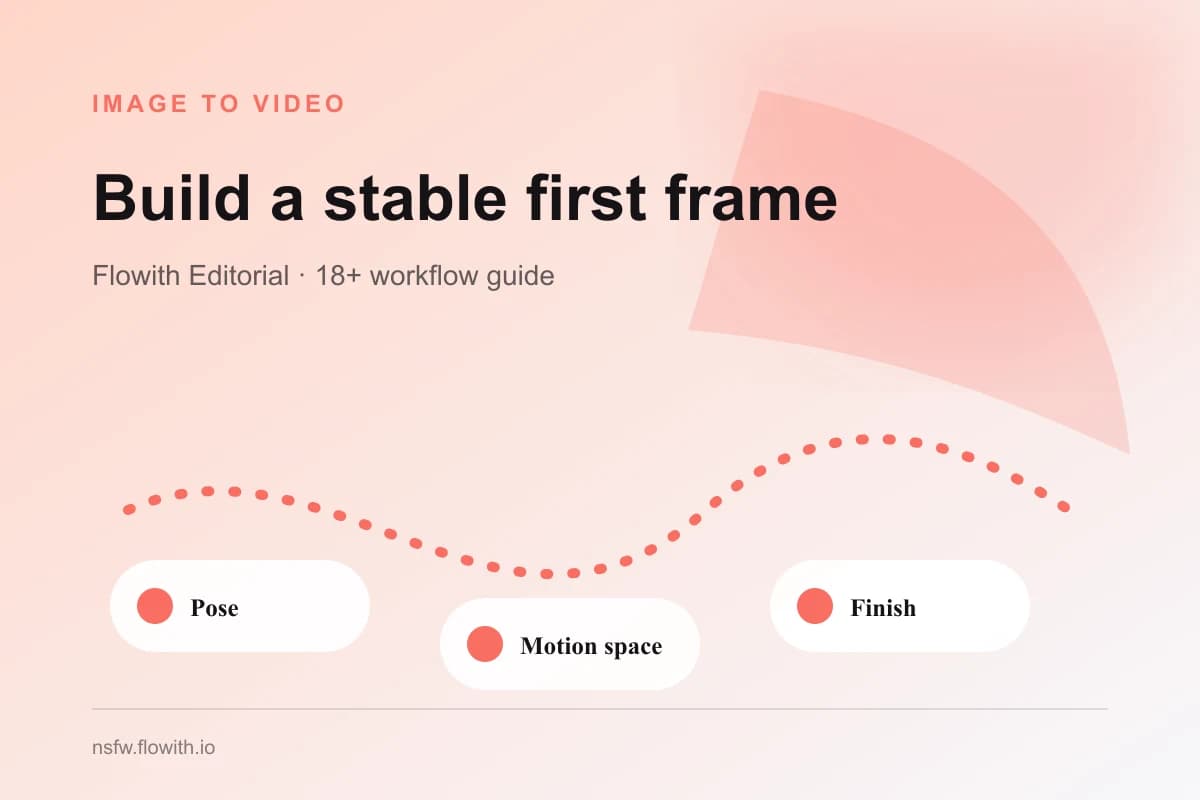
The first frame determines what an NSFW image-to-video workflow can preserve and how much motion it can support. Use one authorized image of clearly adult subjects, choose a visible pose with room to move, and decide the final beat before animation. A polished still can be a weak motion source when limbs are cropped, identity is obscured, perspective is unstable, or the background leaves no space for the selected action.
Match the source to one motion goal
Begin with one action and one camera behavior. A subtle portrait movement needs a readable face and shoulders. Full-body motion needs visible limbs, floor contact, and space around the subject. A close interaction between consenting adults needs both bodies and their relative positions to be understandable in the first frame.
| Intended motion | Strong first-frame evidence | Common source problem |
|---|---|---|
| Subtle portrait motion | Face, hair, shoulders, simple background | Face too small or heavily covered |
| Slow push-in | Centered subject, extra frame around head and torso | Existing crop is already too tight |
| Full-body movement | Hands, feet, joints, floor plane | Limbs cut by the image edge |
| Clothing or hair movement | Clean garment and hair silhouettes | Busy background merges with edges |
| Two-person interaction | Both adult identities and body positions visible | One person is hidden or ambiguous |
Do not choose a source only because its scene is attractive. Ask whether the selected action has visual room to happen. If the answer is no, choose a calmer pose or use the NSFW AI Image Editor to prepare a better source before animation.
The NSFW Image to Video Generator owns the image-to-video workflow. The image-to-video overview explains the complete process; this guide focuses only on the first frame.
Preserve identity and clear adult status
Animation amplifies uncertainty. A slightly unclear face in a still can drift substantially over several frames. Select an image where the face, hairline, jaw, eyes, and major body proportions are readable. If identity matters, avoid extreme profiles, strong blur, tiny subjects, and heavy occlusion. Record a short identity block before generation so the prompt can reinforce the details already visible rather than invent new ones.
Every subject must be clearly adult. Do not use a youthful or age-ambiguous source and expect text to repair the ambiguity. For real people, obtain specific permission for adult animation, including the planned action and audience. If permission or age is uncertain, stop. The real-person consent guide and adult content safety guide define the review boundary.
For multiple subjects, check each identity separately and then inspect the space between them. Overlapping arms, hands, hair, and clothing are difficult motion boundaries. A simpler initial pose usually produces more stable interaction than a complicated still with hidden joints.
Leave physical space for movement
Motion requires room inside the frame. Leave space in the direction the subject or camera should move. A left-to-right turn needs breathing room on the right. A push-in needs enough original framing that the subject does not immediately fill the frame. Full-body movement needs visible feet and a plausible floor plane.
Inspect the image edges. If hair, hands, elbows, knees, or clothing are cut at the boundary, the animation may invent missing shapes as they move. A crop through a stable body section can be acceptable for a portrait, but it should be deliberate and compatible with the selected action.
Background geometry matters too. Straight walls, bed edges, mirrors, railings, and furniture create strong reference lines. When those lines are already distorted, movement can make the error more visible. Choose a simple background or correct the source first. Busy patterns, text, logos, and reflections add detail that must remain stable across every frame.
Choose camera and ending before generating
The first frame is also the opening camera decision. Decide whether the camera should remain locked, push in slowly, track gently, or orbit. Avoid combining strong body motion with aggressive camera movement on the first test. One dominant motion is easier to review and gives a cleaner baseline.
Write the intended final beat in concrete terms. Examples include “ends facing the camera in the same room,” “finishes the turn with both hands visible,” or “settles into a stable seated pose.” A final beat gives the clip a destination and makes continuation easier. Without it, motion may stop in an unstable transition that is difficult to extend.
The NSFW AI video prompt guide explains how action, camera, pace, setting, and finish work together. Keep the prompt consistent with the source: do not request a new room, new wardrobe, new identity, and complex motion in the same first generation.
Use a first-frame checklist
Review the source at full size before starting:
- Every person is clearly adult and authorized for the intended adult animation.
- The face and identity features are readable at the planned output crop.
- Hands, feet, joints, hair, and clothing edges needed by the action are visible.
- There is space in the direction of body or camera movement.
- The background has stable geometry and no unnecessary text, logos, or private details.
- One action, one camera behavior, one pace, and one final beat have been chosen.
- The optional prompt reinforces visible evidence rather than replacing the scene.
- The shortest useful duration will be tested first.
Generate a short baseline, then inspect the opening, middle, and final frames. Compare face, hair, proportions, clothing, background lines, and camera direction. If the opening frame itself is weak, do not solve the problem with a longer prompt or longer duration. Return to the source, improve the crop or visual evidence, and test again.
Once the first frame and one short motion pass review, use the video cost and duration guide to decide whether another second adds useful action. A motion-ready source reduces wasted attempts because it defines what must stay stable and gives the clip a clear place to finish.